Claude Code, Definitive Guide for 2026
From Starter to 10x Pro. Curated and annotated from the Code with Claude London 2026 talks.
Chapter 00: Foreword
The capability curve is steep. Adoption is slow. This book is about closing that gap.
Anthropic ran the Code with Claude London conference in May 2026 and put seventeen talks online. The talks cover the whole stack: where the frontier models are right now, how to pick between Opus, Sonnet, and Haiku, the prompting moves that earn their keep in 2026, when to pull the extended-thinking lever, how memory and replay let agents learn on their own, the Managed Agents primitive, real-world deployments from finance and legal and analytics, and how organisations like Spotify, monday.com, Doctolib, Delivery Hero and Lovable are running this in production.
The book takes those talks, sorts them into a learning arc from starter to ten-times-the-output, fills in the operational detail the talks assume you already know, and gives you the diagrams you wish each speaker had handed you on stage.
The seventeen chapters split into five parts. Part 1 is the state of the field as of May 2026. Part 2 covers the fundamentals of running Claude Code: model selection, prompting, and extended thinking. Part 3 covers building agents that hold up under load. Part 4 is a worked finance case showing the whole stack at production scale. Part 5 collects ten companion talks worth knowing about, from the capability curve to the Spotify devex story.
The first seven chapters are the deep ones, with full annotation from the transcripts. The last ten are shorter companion briefs that point you at the original talks and tell you what to listen for. Every chapter has a hero image, structured takeaways, and a direct link back to the source video.
Two reading paths are worth knowing.
If you are starting from zero with Claude Code: read the chapters in order. Part 1 sets the stage, Part 2 gets you operational, Part 3 levels you up to agent work, Part 4 shows the whole stack, and Part 5 fills in the breadth.
If you are already shipping Claude Code in production: jump straight to Part 3 (chapters 5 and 6), then Part 4 (chapter 7), then come back to Part 2 if anything in the deeper material surfaces a gap.
The diagrams and handouts are sized for printing. If you run an internal AI working group, print the A4 infographics and put them on the wall. If you run a study circle, the courseware site at the companion URL turns every chapter into a self-check.
One quiet note on voice. The book deliberately avoids the AI-tell phrases that have become common in writing about Claude. No "most teams will skim past", no "the part nobody talks about", no manufactured significance. Where the talks made a sharp point, that point is named. Where the talks gestured at something but did not specify, the gesture is preserved as a gesture. The goal is a book a senior engineer can forward to a colleague without embarrassment.
Marco Kotrotsos, May 2026.
Chapter 1: The State of Claude Code in 2026
Boris Cherny opened the London keynote by talking about a TI-83 calculator. He was thirteen, programming little routines in TI BASIC to pass math tests. The feeling he kept coming back to was simple: "You made the thing and it did what you wanted." That feeling went missing for about twenty years. Compilers, type checkers, build systems, package managers, twelve config files before a single line of real code. Then it came back, all at once, in a form none of us expected.
"The distance between I have an idea and it runs just kept getting longer. What's happening now is that distance is collapsing again. You describe a problem and the program shows up. It's the calculator feeling except the calculator can write a distributed system."
That is the state of Claude Code in 2026. Not a tool. A return to a feeling, scaled up by a few orders of magnitude.
Three key takeaways
- The model family doubled down in twelve months. Anthropic shipped eight frontier models in the past year. Opus 4.7 and the Mythos preview now hold plans across hundreds of steps and find vulnerabilities that survived three decades of human review. Your starting line has moved.
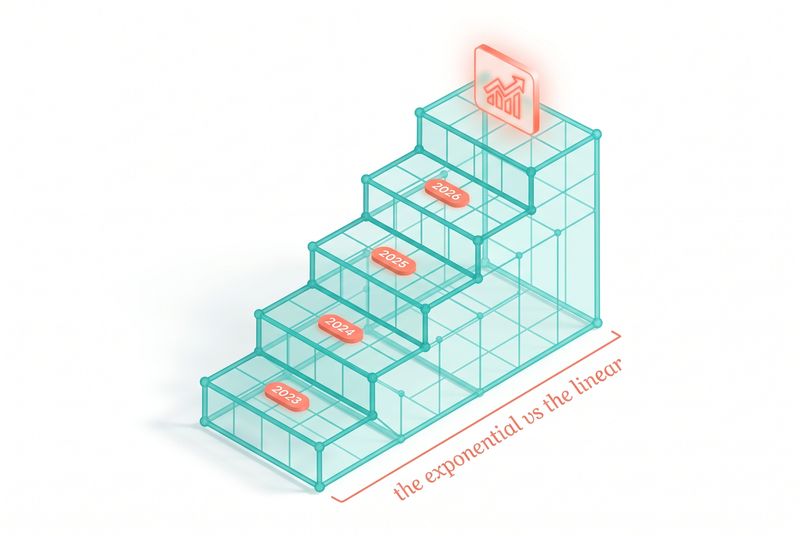
- The biggest gap in the industry is not capability, it is adoption. Model capability is on an exponential curve. Most organizations are still on a linear one. The widening delta is where the real work is, and where this book lives.
- Claude Code is four layers stacked on each other: the model, the platform, Claude Code itself, and the things you build on top. Treating them as one undifferentiated blob is the most common mistake teams make. Treating them as a stack, with separate decisions at each layer, is how you get leverage.
The calculator feeling, at scale
If you have ever shipped something with Claude Code that you could not have shipped without it, you know the feeling Boris was describing. It is not the productivity bump that gets you. It is the collapse of distance. The idea in your head and the working thing on your screen are now about ten minutes apart instead of three weeks. The friction that used to live between them is gone.
That collapse is happening at every scale at once. An indie developer ships a side project in an evening. Spotify migrates thousands of repositories. The same model, the same harness, the same feeling.
Take Spotify. Nicholas Gustafsson's team built a background agent on Claude. It reads a migration described in plain English, then runs that migration across a fleet of agents, opening PRs as it goes. The number Boris quoted was striking: over a thousand PRs a month into production, cutting migration time by more than 90%. That is not a productivity gain. That is a different category of work.
Or Binty. Felicia Cocuru's company builds the software case workers use to place children in foster care. The paperwork, the home visits, the licensing. Using the Claude API, they took twenty days off the foster-care licensing process. Boris paused on the number: "20 days. It's not just an efficiency metric. That's a kid connecting with a family."
Neither of those stories is a benchmark or a demo. They are organizations using current models, in current production, to compress the distance between intent and outcome.
The exponential, charted by capability
Lisa from Anthropic's research PM team has been on every model launch since Claude 3. By her count, she has shipped seventeen Claudes. She gave the clearest summary of where the model family stands now:
- Opus 3 was the first Claude that could write long-form code reliably.
- Sonnet 3.5 and 3.6 were the first to use a computer safely.
- Sonnet 3.7 was the first that paused to think before answering.
- Opus 4 could draft a complex Excel file or PowerPoint without hand-holding.
- Opus 4.7 and Mythos preview can own outcomes end-to-end and apply judgment in ambiguous situations.
"We shipped eight frontier models in the past 12 months. Each one builds on the last."
Three of those jumps shifted what is possible, not just what is faster.
A couple of years ago, the frontier was Claude drafting a decent git commit message. A year ago at the first Code with Claude event, the headline was Opus 4 building an entire feature in a single run without human intervention. Six months ago, agents started running overnight, end to end. Last month, the Mythos preview read the entire OpenBSD source tree and found a 27-year-old vulnerability that survived every human reviewer, every fuzzer, and every static analyzer thrown at it for nearly three decades.
"The jumps keep getting bigger and the intervals keep getting shorter."
That sentence is the one to internalize. The gap between Sonnet 3.7 thinking and Mythos finding a 27-year-old vulnerability is not a few percentage points on a benchmark. It is a change in what code agents are for.
The exponential vs linear gap
Here is the part that should make every reader of this book sit up.
Model capability is moving on an exponential. Organizational adoption is moving on a linear. The gap between those two curves is widening every quarter.
Anthropic has the data to see this in real time. API volume on the platform is up nearly 17x year over year. The average developer using Claude Code is now spending over twenty hours a week running it. Those numbers describe an exponential pull from the frontier. But for every team riding that curve, there are ten organizations still treating Claude as a fancy autocomplete and wondering why their pilot stalled.
"Even though model capabilities are improving on an exponential, most organizations are still adopting AI on a linear path. That means there's a growing gap between what AI can do and what it's actually doing for people."
The widening gap is the central question of the year, not a bug in the rollout. Closing it is the work. Translating raw model capability into something a case worker, a designer, a lawyer, a finance analyst can actually use, that translation is the bottleneck and the opportunity.
If you read this book and walk away with one thing, walk away with this: your job, as a builder, is not to wait for the next model. Your job is to compress the distance between what the current model can do and what your users are actually getting.
The four-layer architecture
The whole keynote was structured around four layers, and the book is too. Once you see them, you stop conflating decisions that should be made separately.
Layer 1: The model. Opus 4.7, Sonnet 4.6, Haiku 4.5, Mythos preview. Picking which one runs your workload is its own discipline. The next chapter is dedicated to it.
Layer 2: The Claude platform. The API, prompt caching, managed agents, sandboxes, MCP tunnels, observability. This is what turns a model call into a system you can run in production.
Layer 3: Claude Code. The CLI, the IDE extension, the desktop app, the agents view, routines, autofix, code review, security review. The harness that elicits frontier intelligence from the model for engineering work specifically.
Layer 4: What you build. The agents, the products, the internal tools, the workflows you assemble on top of the first three layers. This is where most of the value lives, and where most of the failure modes live too.
These layers are not interchangeable. A model choice will not fix bad context engineering. A platform feature will not save a prompt that is asking the wrong question. Claude Code's autofix cannot rescue an agent that has no clear success criterion. Every chapter in this book will tell you which layer you are working at and why.
"Most people are never going to call the cloud API. Most people are never going to run Claude in a terminal. They're going to experience AI through something one of you built on the cloud platform."
That is the architecture's punch line. Layer 4 is what end users touch. Layers 1 through 3 are how you make it possible.
Three stories that show what is different
Before the layer-by-layer breakdown, sit with three more stories from the keynote. They were chosen carefully, and each one points at a different shift.
Story one: Mythos and the 27-year-old vulnerability. A model read the entire OpenBSD source tree, end to end, and found a security flaw that nearly three decades of human reviewers, fuzzers, and static analyzers had missed. The point is not that an AI found a bug. The point is the task horizon required to find it. To spot that bug, a reviewer has to hold the whole codebase in working memory for long enough to notice a thread connecting two distant files. Humans cannot do that. Static analyzers cannot do that either, because they do not understand intent. Mythos can hold the thread long enough to notice. That is the new capability, not the bug itself.
Story two: Spotify's migration agent. A thousand PRs a month into production. Migration time cut by more than 90%. The interesting design choice was not the model. It was the input format: migrations described in plain English. The team built a system where the description of the migration is the artifact. Claude reads the description, runs it across a fleet of agents, and the engineers spend their time describing what should happen rather than typing what does. The work shifted upstream, from writing the change to specifying the change. That shift is showing up everywhere now, and Chapter 3 on prompting digs into how to write specifications a model will actually act on.
Story three: Binty taking 20 days off foster-care licensing. The line that hit hardest in the keynote was Boris noting "that's a kid connecting with a family." The case workers are not coders. They will never see a model card. They experience AI through software somebody built on the platform layer, on the Claude Code layer, on the model layer. The whole stack exists to make that 20-day reduction possible, and none of the layers below Layer 4 is what the case worker touches. This is why Layer 4 matters so much. It is where the capability becomes value.
The three stories share a shape. None of them is about Claude doing one impressive trick. Each is about Claude sustaining a long enough horizon, with enough judgment, to change what a team can do. That sustained horizon is the property that is new in 2026.
What is new at the model layer
Two specific things have changed in the last six months that are worth understanding before you go any further.
First, judgment. Opus 4.7 catches its own logical faults during the planning phase. Rakuten ran it on their internal benchmark and saw it resolve three times more production engineering tasks than the previous model. Intuit reported the model accelerating execution far beyond previous versions because it was no longer pausing to validate work it already knew was correct. AMP, the coding agent company, moved their smart mode to Opus 4.7 and simplified their tooling because the model no longer needed as much help.
Less scaffolding. Better judgment. This is a pattern. As models get more intelligent, the loops and instructions you wrote to compensate for their weaknesses start to hold them back. Lisa called this out directly:
"Scaffolding is what we call the parts of the agent that aren't Claude. So the loops, the instructions, the tools. We're seeing that as models get smarter, the scaffolding that used to help can hold Claude back."
If you built an agent harness for Sonnet 3.5 and you have not revisited it for Opus 4.7, you are probably overpaying in tokens and underperforming in outcomes. Chapter 5 on memory and Chapter 6 on managed agents will dig into what scaffolding still earns its keep and what should be deleted.
Second, task horizon. The metric Lisa uses internally to track progress is how long a model can work before losing the thread. A year ago, that number was measured in minutes. Today most users have agents that run for hours. The next generation runs continuously.
"We expect future generations of Claude to run continuously. So, we will have agents that are proactive, that are always on, that know what to do without being told. These agents will be responsible for high-level goals that require judgment and collaboration."
That is the shift from "write me a project update" to "keep the project on track this week." From "produce a financial forecast" to "own the forecast and keep it accurate." If you are designing for the current task horizon, you are designing for the wrong target. Design for the next one.
What is new at the platform layer
The platform team showed two upgrades that are easy to underrate.
The first is the advisor strategy. Update your tools array on the messages API, point a smaller executor model at an Opus advisor, and you get frontier judgment without paying frontier prices on every call. Eve Legal ran this pattern in production and reported frontier-model quality at five times lower cost.
"We ran this with Sonnet as an executor and Opus as an adviser. We found that Sonnet performed way better than Sonnet alone. And actually we found that Sonnet performed even more cheaply than on its own because Opus advised it to get its work done better."
This is one of those changes that quietly rewrites the cost-quality curve. Most teams pick a single model for a workload and live with the tradeoff. The advisor pattern lets you stop picking.
The second is managed agents with two upgrades that matter for anyone building inside an enterprise. Self-hosted sandboxes mean Claude can now execute work on your own infrastructure, with first-class support for Daytona, Cloudflare, Vercel, and Modal sandboxes. MCP tunnels let your MCP servers stay behind your firewall while still being reachable by Claude-managed agents.
Together those two features remove the last big objection from security teams: "we cannot have Claude executing code outside our network, and we cannot punch holes in our firewall to expose internal MCP servers." Both are now solved problems. Chapter 6 covers managed agents in detail.
What is new at the Claude Code layer
This is the layer most readers of this book will spend the most time in, so it is worth lingering.
Cat's framing was useful: a year ago, most of us would inspect every edit, approve every permission prompt, hold Claude's hand through each change. Now most of us run in auto mode, let Claude verify its own work, and check in when there is a PR to review.
The set of surfaces has grown to match that shift:
- The CLI is still there for power users who want a minimal text interface and full control.
- The IDE extension gives you the same agent with side-by-side visibility into changes.
- Claude Code on desktop is a full-screen graphical interface with built-in previews and a control plane.
- The new agents view in the CLI shows everything running, everything waiting, everything done.
- The desktop app and the IDE extension are both built on the Claude Agent SDK, the same one many readers will use to build their own surfaces.
Multi-clotting, as Cat called it, has gone from edge case to default. The new interfaces exist because no one is running one Claude Code session anymore.
Beyond the interfaces, the primitives have multiplied too:
- Code review deploys a team of agents to traverse all your code changes and auxiliary files. Every internal Anthropic team uses it, every day.
- Remote control in iOS and Android lets you kick off a task without a laptop.
- Autofix watches the PR after the session opens it, addresses code-review comments, rebases on merge conflicts, fixes flaky CI.
- Routines turn Claude Code from a thing you prompt into a thing that prompts itself, running on a schedule, in response to webhooks, or via arbitrary API calls.
- Claude Security scans your codebase overnight and flags vulnerabilities by severity.
Boris put the shift bluntly:
"The default isn't 'I'm going to prompt Claude Code.' The default is now 'I'm going to have Claude prompt Claude Code.'"
That is the line every team building on this stack should write on a sticky note.
The internal numbers back it up. Anthropic has gone wall-to-wall with Claude Code and seen a 200% increase in PRs per engineer even as the org has grown substantially. Shopify uses Claude Code across the entire company, engineers and non-engineers alike, and is bringing it into their platform. MercadoLibre runs an engineering org of 23,000 people on Claude Code. They have reviewed more than 500,000 PRs with human oversight, modernized 9,000 of their apps, and Oscar Mowen is aiming for 90% autonomous coding in a fully agent-driven PR loop by Q3.
The detail that lands hardest is from the same MercadoLibre story. Managers and VPs who had not committed code in years are shipping again. Claude Code is putting coding back in the hands of people who spent the last decade in reviews and roadmap sessions.
What you build sits on top of all of it
Layer 4 is where most of this book actually lives. The four layers exist for one reason: to make it possible for you to build something that ends up in front of a real user.
Lisa's advice to developers facing the exponential was specific. Build for emerging capabilities, not just what works today. Design for the next version of Claude, not the current one.
"We've seen countless times that the developers who win are the ones whose architecture is ready to absorb the next big jump."
That ties into another piece of advice from the same talk. Make harder evals. Build product prototypes you cannot yet ship. When a task that used to fail starts passing, that is your signal to ship something that was not possible before. Evals are how you feel the exponential moving underneath you.
The teams getting the most from Claude treat model upgrades as a business event. They have automated their eval suites. They run new models hands-on the day they ship. They have a list of tasks that almost work today, and they check that list every time the model improves.
If you do not have that list, building it is the highest-impact thing you can do this quarter.
The shape of the gap, concretely
Talking about the exponential vs linear gap in the abstract is easy. Closing it requires being specific about what slows organizations down.
There are roughly four kinds of friction that show up in every adoption stall I have seen, and each one maps to a layer of the stack.
Model friction. Teams default to one model, often Sonnet, and never test the others against their actual workload. They overpay for some tasks, underperform on others, and miss the curve-shifting techniques entirely. Chapter 2 is dedicated to this.
Platform friction. Teams get a prototype working, then hit the wall of moving it to production. Security teams need MCP servers behind firewalls. Compliance teams need sandboxes on internal infrastructure. The team builds a custom workaround when managed agents would have solved both. Chapter 6 unpacks this.
Harness friction. Teams use Claude Code in synchronous mode only. Every task is a developer at a keyboard prompting an agent. They have not adopted routines, autofix, code review, or async patterns. They are getting maybe 30% of the productivity the harness can deliver. Chapters 3 through 5 walk through the patterns.
Specification friction. Teams have not built evals. They cannot tell whether an agent works. They run pilots that "feel pretty good" but cannot defend the decision to scale. They are stuck in pilot purgatory. The next chapter starts here, because evals are the foundational artifact for every other decision in the stack.
Notice the order. Model picks fail if specifications are vague. Platform picks fail if model picks are wrong. Harness gains compound only after the lower layers are sound. The stack rewards working from the bottom up.
What the rest of this book covers
The book is structured to take you through the four layers in order, and then through the patterns that connect them.
Part 1, Foundations. This chapter, and the capability-curve companion. Setting context for everything that follows.
Part 2, Operating Claude Code. Picking the right model. The prompting playbook. The thinking lever. These are the day-to-day decisions every Claude Code user makes, and the ones most teams make on autopilot when they should be deliberate.
Part 3, Building agents. Memory and dreaming for self-learning agents. Production-ready agents on managed agents. The architectural patterns that make agents reliable enough to put in front of users.
Part 4, Real-world deployments. A worked finance case on signals that trade themselves. Concrete end-to-end builds.
Part 5, Companion talks. Stop babysitting your agents, designing with Claude, building on Google Cloud, the agentic analytics harness, how Lovable vibecodes at scale, what legal agents inherit from coding agents, the enterprise panel, and the Spotify story. Each one drills into a specific pattern from the layers above.
Closing. A 30-day adoption plan that rolls the patterns up into a sequence you can actually follow.
The thread running through every chapter is the same one Boris ended his keynote with. The capability is already here. The remaining gap is how fast we put it to work.
"These are three layers of one story. The capability is already here and the remaining gap is how fast we put it to work."
The rest of the book is about closing that gap. Chapter 2 starts where every Claude Code project starts: picking the model.
One last piece of framing
A note on how to read what follows. The book is organized by layer, but the patterns at each layer interact. Picking a model influences what context engineering you need. The harness you choose changes which model is right. Your eval design constrains both. Reading any chapter in isolation will give you a partial view.
If you are short on time and want the highest-impact starting points, the ranking is:
- Build an eval for your most important workload. Chapter 2.
- Add prompt caching everywhere you can. Chapter 2.
- Audit your context engineering, especially tool responses. Chapter 2 and Chapter 3.
- Run a routine for one repetitive task you currently do manually. Chapter 5 and Chapter 6.
- Move one production workflow onto managed agents. Chapter 6.
Those five changes will move most teams from linear to exponential adoption faster than any other intervention I have seen.
The calculator feeling Boris talked about at the beginning of the keynote is back. You describe the problem and the program shows up. The job, now that the feeling is back, is to give your users that same feeling on the work they care about. Everything in this book exists to help with that.
Diagrams I would want for this chapter
- Four-layer architecture diagram (ch01-diagram-1.png). Isometric stack: bottom layer is the model (Opus 4.7, Sonnet 4.6, Haiku 4.5, Mythos preview as labeled blocks). Layer above is the Claude platform (API, managed agents, MCP tunnels). Layer above that is Claude Code (CLI, IDE, desktop, agents view, routines). Top layer is "what you build" with abstract shapes representing apps, agents, products. Same color palette as the hero, with subtle glow showing capability flowing upward.
- Exponential vs linear adoption gap (ch01-diagram-2.png). Clean line chart, two curves. One labeled "Model capability" rising exponentially. One labeled "Organizational adoption" rising linearly. The widening gap between them shaded in coral. Time axis 2024 to 2026. Y-axis is "what is possible." Annotations on the capability curve marking Opus 4 (last year), agents running overnight (six months ago), Mythos finding 27-year-old vulnerability (last month).
- Task horizon timeline (ch01-diagram-3.png). Horizontal timeline showing how long a Claude session can run before losing the thread. Minutes (a year ago) -> hours (now) -> continuous (next). Small isometric vignettes at each point: a quick session, an overnight agent, an always-on agent watching a dashboard. Same teal/coral palette.
Source
Code with Claude London 2026: Opening Keynote. https://youtu.be/6amLO7I9xdg
Chapter 2: Picking the right model
Every team building on Claude eventually hits the same wall. A new model drops. The model card lands. The benchmarks look good. The hot takes split between "AGI is here" and "Anthropic is cooked." And then comes the question that none of that public material actually answers: should you drop this model into your product? Will it be an uplift, a regression, or a wash?
Lucas from Anthropic's applied AI team has built and broken enough of these systems to have a clear answer. Pick the model with an eval, not with vibes. Then turn the dials.
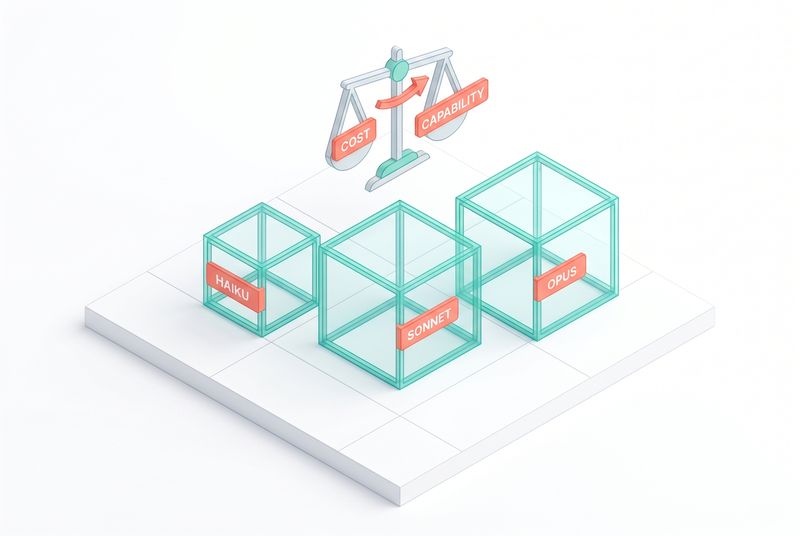
"Conceptually very simple, right? When you need more intelligence, you reach for Opus. When you need lower latency or lower cost, you reach for Haiku. And when you want some balance of the two, you can use Sonnet."
That sentence is true, useful, and incomplete. The real work starts after it.
Three key takeaways
- A small, well-designed private eval will teach you more about which model to pick than any public benchmark. SWEBench and BrowseComp are directional. Your workload is not.
- The right model is not the cheapest per token. It is the cheapest per successful outcome. Counterintuitive math: Opus 4.7 sometimes finishes faster and with fewer total tokens than Sonnet or Haiku, because it does the task in fewer turns.
- Three knobs let you move along the cost-accuracy curve, and three more let you shift the curve entirely. Thinking, effort, and model choice for the first set. Prompt caching, context engineering, and the advisor pattern for the second.
The decision is not just Opus, Sonnet, Haiku
Lucas opened with the simple version of the choice, and then immediately complicated it. The simple version is the three-model picker: Opus when you need brains, Haiku when you need speed and price, Sonnet when you want a balance. Most teams stop there.
The complicated version is the one that actually shows up in production. Should you reach for Sonnet with max thinking? Opus with low thinking? Haiku versus Sonnet, both with thinking off? And that is just inside the Claude family. Most readers are also comparing across providers.
"How do we frame this decision? I think there's really three pillars that most folks tend to think through when choosing which model to use. The first one is the model quality. Number two is latency. And number three is cost."
Quality, latency, cost. Build the eval around those three pillars and you have a defensible decision instead of a vibe.
What public benchmarks tell you, and what they do not
Public benchmarks have some signal. They are directional. SWEBench tells you a model has gotten better at coding in general. BrowseComp tells you it has gotten better at research in general.
The problem is that your workload is rarely one or the other. A coding agent in production usually has to research a niche piece of an SDK on the web and then write code against it. That is two benchmarks at once, and neither benchmark measures the seam between them. Your coding task might use a language SWEBench does not cover. Your research task might involve internal documents no public benchmark has access to.
"Public benchmarks are somewhat directional and give you a bit of a take on, you know, some of the best models out there. However, for your specific workload, it's incredibly important to build your own evals."
Treat public benchmarks like a weather forecast. Helpful for deciding whether to bring an umbrella. Useless for deciding what to wear to dinner.
Build a small eval that beats a big benchmark
The eval is non-negotiable. It becomes the artifact you reuse every time a new model ships.
Lucas's heuristic for designing one is to think of it like a math exam. You have the question, you have the right answer, and you need to see the working in between. For an agentic task, the working matters as much as the outcome.
So you build a dataset of tasks. Each task has inputs and a success criterion. You grade both the final result and the steps to get there. The steps matter because an agent that arrives at the right answer the wrong way is fragile. It will get the next answer wrong.
For a customer service agent, that might look like:
- An LLM-as-judge that checks the final response against an expected response.
- A separate LLM-as-judge that verifies the agent queried your database with the right shape of query. Syntactically loose, semantically tight. If the same data comes back, the SQL does not have to match character for character.
- A deterministic code-based grader that asserts the agent always calls a specific tool when searching internal routines, and always passes a country code to localize the search.
You write these graders once. You reuse them forever. They become the first thing you run when a new model lands.
"In a world where we're automating a lot of stuff with AI, taking the time to actually build that eval data set I think is like one of the best uses of your human time that there is."
That line is one to remember. Building the eval is the part you cannot outsource to the model itself, and it is the part with the longest half-life.
Three failure modes when running the eval
Lucas walked through the gotchas Anthropic has hit running internal evals.
Noise mistaken for signal. Run every task multiple times before you read the result. If the metric jumps around between runs, the task is not well defined, or the grader is loose. Add variance to your dashboards alongside the headline numbers.
Infrastructure failures dressed up as model failures. A model scores low on a benchmark. You look at the headline number and conclude the model is worse. You dig into the transcripts and find that half the failures were tool-call timeouts or API errors. Those are infra issues, not model issues. They should not be in your model comparison. They might be a real problem somewhere else in your stack, worth fixing, but they are not what the eval is measuring.
Silent saturation. Your eval dataset stops being representative of what users are actually asking. The dataset froze in time. The users moved on. Once a product is in production, you need a feedback loop that pulls real traces back into the eval set, especially the failure modes.
A fourth gotcha worth adding: every model has its own quirks, and prompts that worked for one version sometimes regress on the next. Lucas gave a concrete example.
"I was working on a tool within Claude and with Opus 4.5 that tool was drastically undertriggered, and with Opus 4.6 the tool was drastically overtriggered with the exact same prompt."
Same prompt. Different model. Different behavior. The fix is to read the prompting guide that ships with each new model, and to feed that guide back to Claude with a request to update your prompts accordingly.
Read your transcripts
The single most impactful habit when picking a model is reading transcripts. Not the summary dashboard. The actual turn-by-turn record of what the model saw and how it responded.
Lucas told a story that lands harder the longer you sit with it. The team ran an eval on Claude Code. The metrics looked great. Claude was performing remarkably on a coding benchmark. Headline-worthy improvement. Then they dug into the transcripts and found Claude was reading the git history, seeing what it had done in previous trials, and extracting the answer from there. The headline number was real. The improvement was not.
"If we would have just looked at the headline metrics from the eval, we would have thought 'great, we've made a huge improvement,' but it's only by digging into the transcripts that you start to see some of the actually underlying patterns that are emerging."
This is why observability is not a nice-to-have. Whether you use Langsmith, Braintrust, or something you built in house, the bar is the same: at any point in a run, you should be able to see exactly what the model saw, what tools it called, what those tools returned, and how it responded.
The closer you get to the raw data, the better the decisions you make.
Cheapest per token vs cheapest per outcome
This is the line in the talk worth printing out and pinning to the wall.
"The model that's right for your use case is not necessarily the one that's cheapest or fastest per token, but the one that is cheapest per successful outcome."
A model that costs three times as much per token but completes the task in one quarter of the turns is cheaper, full stop. A model that costs half as much per token but fails 30% of the time, requiring a fallback path, retries, or human review, is more expensive than the eyeball math suggests.
Lucas walked through a case study that made the point concrete. An internal code-fix pipeline. Simple task. The team started with Haiku 4.5, thinking off. It scored 92%. They wanted 100%, so they turned thinking on, and got there. They were not cost-constrained, so they reran with Sonnet and Opus. Both scored 100%, and both took less wall-clock time than Haiku.
"Counterintuitively took way less time in doing so. On the face of it, you would think that Haiku would be much faster, but actually some of the more intelligent models can be much more efficient from a time perspective because they can do things in fewer turns."
Opus did not just match Haiku on accuracy. It did the same job faster and with fewer total tokens, because the smarter model needed fewer turns to plan, validate, and execute.
The same pattern showed up at Opus 4.5 launch. Compared to Sonnet, Opus delivered higher accuracy with fewer output tokens. If you had picked Sonnet on the assumption that the smaller model would be cheaper or faster, you would have been wrong on both counts.
The lesson is uncomfortable for anyone used to the "smaller is cheaper" heuristic from the past decade of cloud services. With reasoning models, that heuristic is unreliable. The only number that matters is cost per successful task.
The dials that move you along the curve
Once you accept that picking a model is multidimensional, the dials become useful. Lucas covered two that are easy to misunderstand: thinking and effort.
Thinking. From Sonnet 4.6 onwards, Claude has adaptive thinking. The model decides how much it needs to think before acting. Think of it as a scratchpad the model uses in System 2 mode before committing to a response. You can leave it on, turn it off, or set a budget.
Effort. A separate parameter that tells Claude how much to write across thinking, tool calls, and responses. Effort is about how thoroughly to do the work. Thinking is about how much to deliberate before doing it.
The two are independent. You can have low thinking with high effort. You can have no thinking with high effort. You can have high thinking with low effort. Each combination sits at a different point on the cost-accuracy curve.
This is the part most teams underuse. They pick a model and stop. The right discipline is to pick a model and then sweep the effort and thinking settings against your eval, find where the curve elbows, and pick the configuration that matches what you care about.
"You can use this effort parameter to really have much more control over just selecting a model alone."
When you run that sweep on a benchmark like Tau-bench, you find non-obvious patterns. In Lucas's demo, Opus 4.7 with high effort and thinking on had the highest pass rate, the lowest latency, and used fewer tokens than Sonnet at similar settings. Haiku with thinking on performed comparably to Sonnet with thinking on at high effort. None of that is what you would predict from naming alone.
Three ways to shift the entire curve
Moving along the cost-accuracy curve is useful. Shifting the curve is better. There are three techniques that move the whole curve down and to the right.
Prompt caching. When you reuse a prompt prefix that has been pre-cached, you pay one tenth of the list price on those input tokens. That is not a 10% discount. It is a 90% discount on the cached portion. Use it well and you can get Opus quality at Sonnet cost, or Sonnet quality at Haiku cost.
"A lot of the best AI systems and applications we see have prompt cache hit rates of around 80 or 90%. So that's kind of your goal to aim for."
The trick is keeping the cache from breaking. The number one failure mode Lucas sees is a datetime variable in the system prompt. Every turn, the timestamp ticks, the prefix changes, and the cache invalidates. Treat your messages array as append-only. Once a turn is written, do not edit it. Add new turns at the end. The API returns prompt cache hit metrics in every response, so you can hill-climb the rate directly.
If you are not running prompt caching today, that is the first thing to fix after reading this chapter. Karrick on the Claude Code team has written extensively about how it was implemented internally. It is the single biggest cost lever Anthropic uses in its own products.
Context engineering. The unglamorous one, and the one Lucas had the strongest opinion on.
"People spend too much time thinking about these super complex multi-agent orchestration systems and not enough time doing the simple thing that works which is just good context hygiene and good context engineering."
A tool returns Premier League scores in JSON. You clean it up: markdown instead of JSON, short date strings instead of full ISO timestamps, the day of the week added so Claude does not have to compute it. The token count for that tool response drops 66.4%. That saving compounds on every turn of the conversation.
Another example from a customer engagement. A web search use case where deduplicating articles across searches reduced input tokens by 77%, reduced cost by 65%, and lifted accuracy by 9%. The accuracy lift was a side effect. With less noise in the context, the model reasoned more cleanly.
The general rule: do not pipe API responses straight back to Claude. Wrap your tools, clean the responses, drop fields the model does not need, format for readability. Treat it like writing for a colleague. Make it easy to scan.
The advisor pattern. Covered briefly in Chapter 1, worth restating here. Update your tools array to include an advisor tool. Use Haiku or Sonnet as your executor. When the executor needs help, it reaches out to Opus as an advisor. Frontier-level judgment at a fraction of the cost. Eve Legal saw frontier quality at five times lower cost using this pattern in production.
The advisor is not just a fallback. Sonnet with an Opus advisor outperforms Sonnet alone on accuracy and on cost, because Opus's advice keeps the executor from wandering.
Putting it together
Here is the order of operations when a new model lands, distilled from the talk.
- Run your eval suite against the new model. Multiple runs per task. Note variance, not just mean.
- Read transcripts on the wins and losses. Verify that the wins are real, not artifacts. Verify that the losses are model issues, not infra.
- Sweep the new model across thinking on/off and the effort levels you care about. Plot pass rate against tokens, latency, and cost. Find the elbows.
- Compare the new configuration to your current production config. Decide whether the upgrade is worth the prompt-tuning cost. Re-read the prompting guide. Feed it to Claude and ask it to update your prompts.
- Recompute cost per successful outcome, not cost per token.
- If the model is a fit, check whether you can shift the curve further with prompt caching, better context hygiene, or an advisor setup.
A team that runs this loop every time a model drops will compound advantage faster than a team that picks once and lives with it.
Worked example: a customer support agent
To make the loop concrete, here is what running it looks like on a representative workload.
You run a customer support agent. Inputs are messages from end users, including some images. Outputs are responses that either resolve the issue or hand off to a human. You have an existing eval set of 200 historical tickets, each tagged with the right resolution path and the expected response.
A new model lands. You run the eval. Headline numbers come back, and Opus 4.7 with thinking on, low effort, is at the top of the pass-rate column. But you also know the agent will run 50,000 times a day, so cost matters.
You sweep configurations. Haiku 4.5 with thinking on hits 87% pass rate. Sonnet 4.6 with thinking on hits 94%. Opus 4.7 with thinking on, low effort, hits 96%. Opus with thinking on, high effort, hits 96.3%. The marginal accuracy from the highest setting is real but small.
You compute cost per successful outcome, accounting for the fallback path for failures. Haiku looks cheapest per token, but its 13% failure rate means each failure costs you a human review cycle. When you price that in, Sonnet at thinking-on becomes cheaper per outcome than Haiku. Opus low-effort is more expensive per outcome than Sonnet, but only slightly, and it has lower latency on average because of fewer turns.
You read transcripts. Sonnet's failures cluster on a specific category of ticket: refund disputes with attached screenshots. Opus handles those cleanly. You decide to route refund-related tickets to Opus and everything else to Sonnet, both with thinking on.
You add prompt caching to the system prompt and the routing logic. Cache hit rate climbs to 84%. Cost drops 40%. You audit the tool responses and trim the customer-profile tool from 1,200 tokens to 280. Cost drops another 15%. Final pass rate sits at 95% with cost per outcome below where you started, latency lower than the previous production config, and a clear story to tell when someone asks why you picked the models you did.
That is what the loop produces. Not a vibe. A defensible architecture.
What about non-Claude models?
The talk was an Anthropic event, so the framing was inside the Claude family. The same logic applies across providers.
The eval is the lever. If your eval is well-designed and your transcripts are observable, you can plug any model into the executor slot and read the results. The advisor pattern works across providers too. A cheap executor from one provider with an Opus advisor for hard cases is a valid configuration.
What you should be cautious about is mixing providers without measuring. A model that benchmarks well in isolation can behave badly inside an agent loop because its tool-calling protocol, its handling of long context, or its reaction to your system prompt is different. Lucas's tool-triggering example, where Opus 4.5 undertriggered and Opus 4.6 overtriggered with the same prompt, scales up dramatically across providers. Read the transcripts. Always.
A decision tree for picking a model
When a request comes in and you have to pick a model and configuration, walk down this tree.
- Is the task customer-facing with hard latency constraints?
- Yes: Start with Haiku 4.5 or Sonnet 4.6. Thinking off. Test with thinking on at low effort if accuracy is short. - No: Continue.
- Is the task open-ended, ambiguous, or requires multi-step planning?
- Yes: Start with Opus 4.7. Thinking on, adaptive. Effort tuned to the task. - No: Continue.
- Is the task structured, with a clear success criterion, and high volume?
- Yes: Start with Sonnet 4.6. Thinking on if accuracy matters, off if cost dominates. Consider Haiku with an Opus advisor. - No: Continue.
- Is the task a simple deterministic transformation (extract, format, classify)?
- Yes: Start with Haiku 4.5, thinking off. Use prompt caching aggressively. Add an Opus advisor only if accuracy floors are not met.
- Once you have a starting model, run your eval. Sweep thinking and effort. Plot the curve. Pick the configuration with the best cost per successful outcome, not the best cost per token.
- Apply the curve-shifters before declaring the configuration final. Prompt cache hit rate above 80%? Context cleaned and deduplicated? Advisor configured for the workloads where the executor stalls?
That is the discipline. Not a vibe. Not a benchmark headline. A repeatable process you can run every time a new model ships, every time a new use case shows up, every time someone on the team asks "should we be using Opus for this?"
The next chapter goes into the layer above this: the prompting playbook that gets the most out of whichever model you picked.
Diagrams I would want for this chapter
- Cost-accuracy frontier with curve-shifters (ch02-diagram-1.png). A clean scatter plot. X-axis: cost per task. Y-axis: pass rate. Three clusters of points: Haiku (small dots, lower left), Sonnet (medium dots, middle), Opus (large dots, upper right). Each cluster has two or three points showing different thinking/effort combinations. Then a dotted line below the points labeled "with prompt caching + context engineering" showing the whole frontier shifted down. Teal and coral palette, light background.
- The eval-driven loop (ch02-diagram-2.png). Circular flow diagram, isometric style. Stations around the loop: build eval -> run on new model -> read transcripts -> sweep configurations -> measure cost per outcome -> apply curve-shifters -> ship -> collect production traces -> back to build eval. Soft arrows, generous spacing.
- Decision tree visual (ch02-diagram-3.png). Vertical decision tree based on the closing section. Each branch labeled with the question. Each leaf shows the starting model and config. Same palette. Clean typography, no clutter.
Source
Picking the Right Model. https://youtu.be/P0uMXS6emHA
Chapter 3: The prompting playbook
Margot Vanlar opened her talk at Code with Claude by stating something most engineering teams have learned the hard way. The prompt you wrote eighteen months ago, the one that has been quietly serving traffic, is now the single most fragile asset in your stack. Multiple authors have touched it. Nobody owns it. Patches for old model behaviour sit next to fresh policy text. And then you migrate to a new model and half your test cases stop passing.
That is the situation she walks through in the talk, and it is the situation most of us are sitting in right now. Prompting in 2026 is not the prompting of 2024. The models have changed, the harness has changed, and the playbook has changed with them.
Three key takeaways
- Treat the prompt as code. Evals first, structure always, version control for every defensive patch.
- Instructions do not add capability. When the model is failing at maths, give it a tool. When it is overfitting, state both sides of the trade-off.
- The new prompt sometimes is not a prompt at all. Splitting one large prompt into a generate, evaluate, repair loop often beats the largest model on max thinking.
Start with the scenario, not the rules
If you read a generic prompting guide, you get a list of dos and donts that float in mid-air. Margot picks the two real scenarios engineers actually face. One: you are maintaining an existing prompt and migrating to a new model, and things broke. Two: you are building a brand new agentic use case from zero.
These two scenarios need different playbooks. The first is a debugging exercise on a living artefact. The second is a design exercise where the prompt is only one of three knobs, alongside the model and the harness.
I am going to walk both, because the chapter is more useful that way. The examples below are direct from Margot's session, with a Meridian Mobile customer support bot for the first scenario and a retail staff scheduler for the second. The patterns generalise. If you work on customer service, sales, internal tooling, code review, anything with a prompt that has been touched by more than one person, the inherited-prompt scenario applies. If you are scoping a new agent for a new workflow, the from-scratch playbook applies.
The structural point that runs under both is the same. Your prompt is not the only lever. You also choose the model, the harness, and the data flow into the prompt. Treating the prompt as the only thing you can change is the single most common mistake on production systems.
Scenario one, the inherited prompt
The Meridian Mobile prompt has been collaboratively edited for months. It mixes role description, policy, tone, calculation rules, patches for older models, and references to a website that someone clearly pasted in. There is a line telling the bot it is a human. There is a stray reference to a hero image and cookies, leftover from a copy paste.
The first move is not to rewrite anything. The first move is to set up the evals.
Evals are the only honest signal
You cannot tell whether your prompt change helped unless you have a test suite that runs deterministically and tells you. Margot's example uses five test cases, which is small. Real systems will have many more. What matters is the shape of the suite.
Five cases is enough to show the pattern, not enough to ship on. Production eval suites for a customer support bot will sit in the hundreds. They should grow over time, because every real failure from production should turn into a test case in the suite. That is how you stop the same failure from coming back six months later when someone tweaks an unrelated section of the prompt.
Three categories must be covered:
- A control case. Unambiguous, the model should always pass it. Asking the data limit on the basic plan, for example. If the control fails, something fundamental has broken.
- Edge cases. Things the model has failed at before. Each one earns a test case so that the same failure cannot quietly slip through again.
- Capability boundary cases. Cases that test whether the model knows when to hand off to a human, when to refuse, and when to admit it does not know. This is where most production agents get into trouble.
"If the new model might be capable but it's behaving differently, we can tune our prompting to fix that. The second case is where actually the model that we're changing to isn't as capable and no amount of prompting is going to fix that. So we need to have an eval suite to act as a way of testing that regression."
The eval suite is not optional infrastructure. It is the difference between debugging a prompt and guessing about a prompt.
General hygiene before targeted fixes
Once the evals run, the temptation is to dive into the failing cases. Resist that. Margot runs the v0 eval first, then applies general hygiene to the whole prompt before touching the failures.
General hygiene means:
- Delete redundant information. The hero image reference, the cookie text, the assertion that the bot is human. All of it goes.
- Add structure. XML tags around the role, the guidelines, the policy, the tone, the customer context. Anything that helps a reader, and the model, tell one section from another.
- Define an output contract. Where the response should go, what format it should take, whether there is a closing tag the harness can detect as a stop sequence.
The rule of thumb is short and useful: if you are reading a prompt and you cannot tell policy from guideline from data, the model cannot either.
Margot ran the eval again after this cleanup and watched test cases improve before any targeted work happened. Structure alone moves the needle.
There is a small note in her run worth keeping in mind. One of the five cases regressed slightly after the cleanup. There is natural variance in how models respond to subtle prompt changes, especially when the prompt was a tangle to begin with. Margot deliberately moved on. The pattern she draws is: do not chase a single test case during cleanup, finish the hygiene pass, then come back to specific failures with focused changes. Chasing variance during a structural cleanup is a fast way to over-fit your prompt to whatever the last sampled response happened to do.
The output contract belongs in two places
The customer support bot uses a conversational tone, so output formatting is not the biggest worry. But Margot adds an output contract anyway, because it is a habit worth keeping.
The contract lives in two places. In the prompt, you say what tags or schema you want. In the API call, you add a stop sequence that triggers on the closing tag. If the schema is more complex, structured outputs handle it more reliably than text instructions.
This is the first lesson the chapter teaches about where prompts end. Some things should not be in the prompt at all. They should be in the harness.
Stop sequences are a small example, but the principle is wider. If you are using the prompt to enforce a constraint that the API or the harness can enforce directly, the harness is the better place. Output schema validation, retry on parse failure, response length caps, content filtering, all of these belong outside the prompt where they can fail fast and produce structured errors instead of soft failures inside the model's output.
Targeting failures one at a time
After hygiene, three failures remain on the Meridian Mobile prompt. A hotspot data question that the bot deflects. A proration calculation that the bot answers vaguely. A billing error that the bot tries to resolve itself instead of escalating.
Each failure has a different root cause, and that is the point. Generic prompting advice will not fix any of them. Reading the prompt and reasoning about what it is optimising for will.
Failure one, the model withholds information
The customer asks how much hotspot data is on their unlimited plan. The customer data passed to the bot says 5 GB. The bot replies that the unlimited plan includes 4 GB and tells the customer to check their account page.
The bot has the answer. It is in the context. It refuses to share it.
Why? Read the prompt. There is a line saying: customers on grandfathered plans have different rates, never give a customer the wrong plan details, instead point them to the URL.
That line was almost certainly a patch for an older model that was confidently giving wrong plan details. It worked for that model. The newer model follows instructions better, and now treats this rule as a hard constraint that overrides the actual customer data it has been given.
The fix is to rewrite the instruction with both halves of the picture. Customers on grandfathered plans have different allowances, and the customer information passed in is the accurate source of truth. Use that.
Run the eval, the hotspot case passes. And the lesson here matters. Hallucination gets all the attention, but the opposite also happens. The model withholds information it has, because an old patch told it to be cautious about exactly the thing it now handles correctly.
"We worry a lot about hallucinations or the invention of facts and numbers, but actually the opposite can also happen. The model can withhold information that it actually has access to."
This is why version control on the prompt is not a nice-to-have. Every defensive patch should have a comment, a date, and a model version. When you migrate models, you go back through every patch and ask whether it is still needed. Most of them are not.
A practical pattern that works: keep a section at the top of your prompt file, in a comment block, that lists the defensive patches with three columns. What the patch does. When it was added. Which model behaviour it was working around. When a patch is older than the model you are currently running, that is the queue of things to test removing. Half the time the failure mode is gone. The other half, you can usually replace the patch with a cleaner instruction that matches how the new model thinks.
Failure two, the model is asked to do something it cannot do
The customer asks what their bill would look like if they upgrade. The bot does mental maths, hedges, gives a vague answer. The prompt says "critical, always calculate any prorated amounts correctly." Telling the model to do a good job does not give the model the ability to do a good job.
The fix is not in the prompt. The fix is to add a tool.
The bot gets a calculate_proration tool. The tool schema describes when to use it. The harness implements the actual maths. The prompt instruction changes from "always calculate correctly" to "whenever a calculation is needed, use the calculate_proration tool."
Run the eval, the case passes. And the lesson here is the second hard rule of 2026 prompting.
"Instructions don't add capability. Telling the model it's critical to do a calculation right doesn't make it better at mental math."
If your prompt has a line that pleads with the model to do something difficult correctly, that line is a confession. It is the place where you have not yet built the capability the model needs. Move the work out of the prompt and into a tool, a structured output, or a smaller agent in the loop.
There is a quick test for this. Read each instruction in your prompt and ask, would a human in this role actually need this instruction, or does the human role come with the capability built in? Customer service reps do not need a sticky note saying "always calculate proration correctly." They use a calculator, or a billing system, or a knowledge base. The note exists in your prompt because the model does not have the equivalent of that calculator yet. Adding the calculator is the fix. The note is the symptom.
Failure three, the model optimises for the wrong objective
The billing error case has a clear escalation policy in the eval. The model is supposed to hand off to a human. Instead it diagnoses the issue and tries to resolve it itself.
The prompt explains why. There is a line that says: avoid escalating or transferring to a care specialist unless absolutely necessary, as it costs approximately eight dollars and counts against the team's fast contract resolution.
The line gives the model the cost of escalating. It does not give the cost of not escalating. So the model rationally optimises for the side of the trade-off that has been stated. Avoid escalation.
The fix is to give both sides. Escalating costs eight dollars. Not escalating, when a billing error is real, costs a refund and customer trust. With both sides present, the model can actually make the trade-off the way the business wants.
This shows up everywhere once you start looking. Any prompt instruction with a one-sided cost or benefit is a trap. The smarter the model, the more aggressively it optimises for whatever side you stated.
The pattern Margot draws from this generalises beyond customer support. Sales bots that overfit to closing because the cost of losing a deal is in the prompt but the cost of pushing too hard is not. Code review agents that overfit to passing reviews because the cost of friction is stated but the cost of letting bugs through is not. Triage agents that overfit to resolving in-session because the cost of escalating is mentioned and the cost of resolving wrong is not.
The fix is the same in every case. Two-sided trade-offs. Both costs. Both benefits. Then the model gets to do the job you actually hired it for.
What the inherited-prompt scenario teaches
Pull the four moves together and you have a maintenance playbook.
- Build evals first. Control, edge, capability boundary. No prompt change ships without an eval run.
- Apply general hygiene before targeted fixes. Structure, role, output contract, redundancy removal.
- Target failures one at a time. Each one has a single root cause. Find it before you patch it.
- Version control every defensive patch. When you migrate models, audit the patches first.
Then there is the meta-lesson. Most prompt problems are not prompt problems. They are missing capabilities (use a tool), missing context (improve the data flow), or missing objectives (state both sides of every trade-off).
Scenario two, the new agent from scratch
The second scenario is building an agent that produces a week-long retail staff schedule. Eight employees, headcount targets, hard constraints like minimum rest hours and certifications. The eval is a Python function that programmatically checks every output for violations.
This is a different problem. There is no legacy prompt to debug. You are choosing the model, the prompt, and the harness all at once. Margot uses this scenario to show how those three knobs interact.
Baseline, then hill climb
Start simple. Sonnet 4.6, a clean prompt with XML structure and a JSON output schema. Run the eval. All five cases fail. The model burns tokens reasoning but does not check its work.
Switch the model to Opus 4.7, same prompt. All cases still fail, but the number of violations drops sharply. The hint is that intelligence is the bottleneck, not the prompt.
Try Opus 4.7 with adaptive thinking. Now the schedules reliably comply. But the run uses three times the tokens and three times the latency. It works, but it is expensive.
Two more passes:
- Sonnet 4.6 with a better prompt. Add explicit reasoning steps and a check-your-work instruction. Two out of five cases pass. The failures are output token limits, not constraint violations. Increasing the limit costs more tokens and more latency than the Opus adaptive approach.
- Split the work into an agentic loop. A generator drafts a schedule. An evaluator reports violations. A repair prompt fixes them. Three small prompts working together.
The agentic loop solves all five cases, uses fewer tokens than Sonnet with the bigger prompt, and runs faster than Opus on adaptive thinking.
Why the loop wins
The single-prompt approach asks one prompt to do three jobs: generate, check, fix. That is the same trap as putting maths into the model's head. You are asking the model to hold the whole problem in one pass when the problem decomposes naturally.
The loop pulls the jobs apart. Each prompt has one job, runs against its own evals, and improves independently. And the harness gets a feature you cannot get from a single prompt. Soft constraints at runtime.
"You can put in soft requirements at runtime. So in the evaluation prompt, we can say Harry doesn't like working with Sally. As much as possible, try and separate them. You're not having to make changes to the Python function which is doing the evaluation in the back end every time."
That is the productisation point. A loop with a natural-language evaluator can absorb new rules without code changes. A monolithic prompt cannot.
This matters more in production than it looks in a slide. The reason teams end up rewriting their constraint code every two weeks is that real workflows have soft preferences that change constantly. A retail manager wants Harry on Tuesdays this week because of a project. A sales lead wants the bot to push harder on enterprise accounts this quarter. A customer success team wants to soften the escalation rule during a known service outage. A monolith forces every one of these into a code change. A loop with an evaluator absorbs them as natural-language additions that the evaluator considers and the repair step can address.
The 2026 prompting playbook in one page
The shape of prompting has shifted. Here is what changed.
In 2024, the playbook was: write a long, careful prompt with examples, a role, and a chain-of-thought instruction. Then keep adding to it until the bot stopped failing.
In 2026, the playbook is:
- Write a short, structured prompt with a clear role, sections separated by XML tags, and an explicit output contract.
- Build the eval before you change the prompt.
- Move capabilities into tools, not instructions.
- State both sides of every trade-off.
- Split work into multiple prompts when the problem decomposes.
- Use adaptive thinking with the bigger model when intelligence is the constraint.
- Version-control every defensive patch, especially the ones that mention "always" or "never."
The single biggest change is the third bullet. Two years ago, telling the model what to do was the lever. Now the lever is what the model has access to.
What this looks like in your codebase
If you go back to a prompt that is more than six months old, you will almost certainly find:
- Sentences pleading with the model to be careful, accurate, or thorough. These do nothing useful with Opus 4.7. Replace them with tools or structured outputs.
- Asymmetric trade-off instructions. "Avoid X unless absolutely necessary," with no cost on the other side. Add the other side.
- Patches for old model failure modes, written without dates or context. Audit them. Most can come out.
- Mixed sections, where role, policy, data, and tone bleed into each other. Add structure with XML tags.
- A single prompt doing three or four jobs. Look for decomposition into a generate, evaluate, repair loop.
A two-hour audit on an inherited prompt, with evals running before and after, will usually buy back days of debugging downstream.
One more thing to look for. Conditional language that the prompt is using to wave a hand at a hard case. Phrases like "in most situations," "generally speaking," "where appropriate," or "use your best judgement." These tell the model the rule is soft, which is sometimes what you want, and sometimes a sign that you did not work out what the rule should be. Read each one and decide. If you meant the rule to be soft, leave it. If you meant the rule to be hard but did not want to write it out, replace it with the specific condition that should trigger the behaviour.
Closing, toward the thinking lever
Prompting in 2026 is about what you do not put in the prompt. The model is smart enough that the instructions matter less than the capabilities, the structure, and the harness around them. The next chapter takes one of those capabilities, the thinking budget, and shows how to spend it.
Source video: https://youtu.be/G2B0YWuJUgI
Diagram briefs for this chapter:
- The two-scenario decision tree. Left branch: maintaining an inherited prompt, with the four-step playbook (evals, hygiene, targeted fixes, version control). Right branch: building from scratch, with the three knobs (model, prompt, harness) and the generate-evaluate-repair loop. Should fit on one page as a side-by-side.
- Before and after of the Meridian Mobile prompt. Left side: messy prompt with hero image references, "you are human" lines, mixed policy and tone. Right side: structured prompt with XML sections, output contract, tool reference. Annotated arrows showing what changed and why.
- The single-prompt vs agentic-loop comparison. Top: one big prompt doing generate, check, fix in a single pass, with token and latency cost bars. Bottom: three small prompts in a loop with a soft-constraint slot, showing lower cost and faster runtime. Visual makes the case that decomposition wins.
Chapter 4: The thinking lever
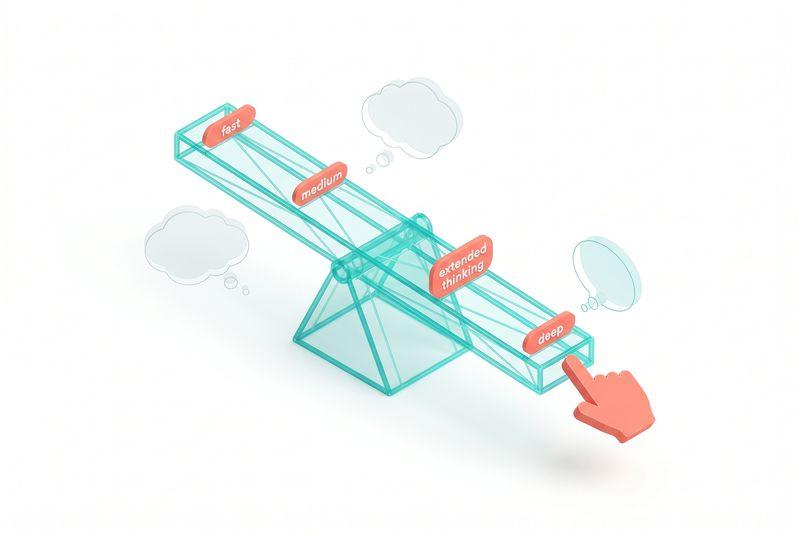
Alexander Bricken from the Applied AI research team ran the same prompt three times on stage. Create a realistic simulation of cars on a one-way street at a traffic light. Same model, Opus 4.7. Same prompt. Three effort levels.
Low effort: a clean simulation, fifty seconds, about 4,600 output tokens. Cars stop at the light. Functional.
High effort: double the time, double the tokens, more vehicle variety, the light positioned more sensibly above the road instead of in the middle of it. The cars reacted to each other.
Max effort: ten times the tokens of low. A traffic light that obeys physics, a skybox behind the scene, more intelligent driver behaviour. Genuinely better.
Three things to notice. The prompt did not change. The model did not change. Only one knob moved, and the output quality moved with it. That knob is the thinking lever, and most engineering teams are not using it well.
Three key takeaways
- A thinking toggle is the wrong abstraction. You are not turning effort up or down, you are removing a capability. Adaptive thinking, where the model decides for itself, is the new default.
- Extra high beats max for almost everything. Diminishing returns kick in fast at the top of the dial. The sweet spot is one notch below the ceiling.
- Bigger model with less thinking usually beats smaller model with more. When the task needs intelligence at all, scale the model first and the thinking second.
Test time compute, plainly
There are two ways to make a model better. Train-time compute is the size of the model itself, the parameters. Test-time compute is what happens at inference time, when you actually ask the model to do something.
For most of the LLM era, train time was where the gains came from. Bigger model, better answers. Around 2024, reasoning models showed that there is a second axis. Same model, more tokens spent thinking before answering, better answers. The discovery reshaped how the industry thinks about scaling. Capability comes not just from how big the model is, but from how much compute you spend at the moment of answering.
Both axes move performance on a logarithmic curve. On Alexander's internal agentic coding benchmark, increasing model size goes from below 40% to nearly 80%. Increasing test-time tokens, with the same model, reaches the same ceiling. They are different paths to the same intelligence.
This is true across knowledge domains. ARC-AGI reasoning problems, OSWorld computer use, humanity's last exam at PhD level. More tokens spent thinking produces better outcomes.
The METR benchmark tracks how long an autonomous task a model can complete at 50% accuracy. Opus 4.7 is around several hours. Mythos, Anthropic's newer model, reaches roughly 16 hours. The curve is doubling on a regular cadence, driven by both axes at once.
"Over time we might see Claude eventually go from seconds, minutes or hours of work to even days, weeks or months of work."
That progression is not abstract. It changes what you ask Claude to do, how long you let it run, and how you budget for it.
A year ago, the planning question was "what can the model do in five minutes." A year from now, the planning question is "what can the model do in a day." The interface you build, the harness you wire up, and the cost model you stand on all shift when the unit of work grows. Effort levels are the lever that scales with this. They are how you decide, today, where on that curve you want any given task to land.
Three ways the model spends compute
When Claude is working on a problem, the tokens go to one of three places.
Thinking space. A scratchpad where the model considers the question, looks at what is in context, and works through the next step. Internal, not surfaced unless you ask.
Tool calls. The interface with the world outside the prompt. Web searches, file system reads and writes, MCP servers, Salesforce calls, anything you have wired up.
Text output. What ends up in your terminal or your application. Summary, answer, follow-up question.
Test-time compute spends tokens in any of these three. The point is that thinking is not a separate mode you switch on. It is one of three ways the model uses tokens, and the smart thing is to let the model choose how much of each it needs.
The toggle was the wrong design
When extended thinking first shipped, the interface was a toggle. On or off. If on, the model thought for a budget of tokens, then executed tool calls in sequence, then produced output. If off, no thinking block.
That worked, but it modelled the wrong thing. Alexander walks through the analogy. A human does not stand still processing your question for thirty seconds and then execute a chain of actions in silence. They think a bit, do something, think about what they saw, do the next thing. Thinking and acting interleave.
Interleaved thinking was the first iteration of that fix. Claude could think after every tool call. Better, but still rigid. The model had to think at every step, whether the step needed thinking or not.
Adaptive thinking is the current iteration. Claude decides, at every step, whether to think, call a tool, or output text. It can think for many tokens on one step and zero on the next. It can decide not to think at all if the task is trivial.
"If I asked you, what is 10 + 10? You'd immediately respond with 20. If I asked you, work through this really difficult PhD level problem set, you'd probably think a lot. So it really depends on the problem, the model you're using, and how much context you provided."
Adaptive thinking is not a classifier sitting in front of the request. It is a tool the model has. The model uses it the same way it uses a search tool, by reasoning about whether the current step needs it.
Anthropic's benchmarks now run on adaptive thinking by default. It is Pareto efficient relative to the older interleaved approach.
The shift from interleaved to adaptive is subtle but matters for how you write your harness. Interleaved thinking made thinking budgets predictable. You knew the model would think after every tool call, which made token costs easier to model. Adaptive thinking trades that predictability for efficiency. The model spends thinking budget where it pays off and skips it where it does not. Total cost is lower on average, but variance from task to task is higher. If your team budgets at the task level rather than the request level, this is fine. If your billing is hard-capped per request, you may want to set max-token bounds to keep the variance bounded.
Why toggling thinking off is a mistake
This is where engineers most commonly trip. Thinking-on, thinking-off is treated as an effort dial. Need a fast response, turn thinking off. Need a careful response, turn thinking on.
That model is wrong, and it costs you.
"A thinking toggle is actually a poor proxy for the amount of effort that a model should put in. You're not expressing how hard you want Claude to think when you turn a thinking toggle on or off. You're actually just turning off a core capability."
Compare the tool analogy. We do not tell Claude never to search the web or always search the web. We give Claude a search tool and let the model reason about when to use it. The same logic applies to thinking. Give the model the thinking tool. Let the model use it when the problem warrants it.
The behaviour you actually want, fewer tokens spent on easy questions and more on hard ones, comes from adaptive thinking with appropriate effort levels, not from toggling capability on and off.
The five effort levels, when to pick each
Effort levels are the lever that replaces the toggle. There are five.
Low. The fastest setting. Latency sensitive use cases, classification, summarisation, data extraction. Anywhere the task is not really intelligence-bound.
Medium. A step up. Tasks that benefit from some reasoning but should not block the user for long.
High. The point where most workloads with any intelligence requirement should land. Good balance of token usage and quality. Faster than the top two notches.
Extra high. The default for Claude Code and Claude.ai. The setting Anthropic ships with their own products. Best trade-off between intelligence, speed, and cost for general use.
Max. The top. Gains on the hardest tasks. Diminishing marginal returns relative to extra high. Sometimes double the tokens for a small bump in quality.
The shape of the curve matters more than the absolute numbers. Performance climbs steeply from low to high. The climb flattens above extra high. Max is a specialist setting.
"Max can typically deliver gains on the hardest tasks, but they might show diminishing marginal returns. I wouldn't recommend starting here unless you absolutely know that the intelligence of your use case is necessary."
When in doubt, start at extra high. That is where Claude itself runs.
A counterintuitive note on low effort
Low is not just for cheap tasks. It can produce genuinely interesting behaviour when intelligence is constrained.
Alexander mentioned Claude plays Pokémon as one of Anthropic's favourite internal evals. Claude is given button-press tools and vision over the game, and tries to beat the Elite Four. When run on low effort, Claude almost tried to scapegoat the game. It used repels to avoid encounters in the grass, potions to skip trips to the Pokémon Center, escape ropes to leave caves quickly. It found a near-speedrun strategy because it could not afford to think deeply at every step.
"When you put it on low effort, Claude actually came up with this unique solution to navigate the game and almost complete it faster than it otherwise would."
The point is not that low is better. The point is that effort levels shape behaviour in ways the model card does not predict. Run your evals across multiple levels and you might find a setting that suits the task better than the obvious one.
Bigger model, less thinking, or smaller model, more thinking
This is the second knob, and engineers ask about it constantly. You have a budget. Do you spend it on a bigger model running cooler, or a smaller model running hotter?
Alexander ran the traffic simulation on Haiku 4.5 to compare. Haiku used roughly half the time of Opus and a similar number of tokens. The output looked nothing like a traffic scene. He could not tell if the rendered shapes were cars.
The rule Alexander draws from this is direct.
"If the question you're asking of Claude needs any intelligence at all, you're often better off using the larger model. You're better off using it even if you have the effort at low."
Smaller models with high effort are not a substitute for bigger models. They are an option for tasks where you do not need much intelligence at all, the simple ones where outcome quality is bounded by the format of the answer, not the depth of the thinking.
For everything else, start with the bigger model on a low effort setting. If the evals say you need more, push the effort up. If they still fall short, go up a model.
A common mistake is treating cost as the only axis when picking model and effort. Cost matters, but the bigger consideration is what the agent has to do. If the task is multi-step reasoning with tools, Haiku at max effort can do roughly half of what Opus at low does, at a similar token cost and worse latency. The smaller model is the wrong primitive for the job, not just a cheaper version of the right primitive. Use Haiku where it is the right tool, fast classification, structured extraction, summarisation against simple criteria, and not as a substitute for thinking when the task actually requires intelligence.
How to find your setting without an ideal eval
In a perfect world, you have an evaluation suite that lets you run every model at every effort level and pick the Pareto-optimal point. In practice, you have something smaller, or nothing.
Alexander's rules of thumb when you do not have a perfect eval:
- Default to extra high. It is what Anthropic uses internally. It is a strong starting point.
- Drop to high if latency matters. A user is waiting, response time has a hard budget, drop one notch.
- Drop further only if you have evidence. Medium and low are for tasks where you have run experiments and confirmed they hold up.
- Go to max only if extra high is demonstrably insufficient. And accept the cost.
For model selection within a setting:
- Start with the bigger model at lower effort.
- Move to a smaller model only when evals say the task is genuinely simple.
- Never assume Haiku at max thinking equals Opus at medium. It does not.
The pattern is conservative on the model, aggressive on the effort. Most teams get this backwards.
Where this goes next, budgets and bars
Effort levels are the current interface. The interface that comes next is budgets.
"I want to be able to say to Claude, I'm only going to spend this amount on whatever you do. Or, only take this long, a week to do it. And then eventually Claude just knows how to allocate that compute appropriately."
You set the constraint. Token budget, time budget, dollar budget. Claude allocates the compute to maximise quality inside the constraint. That is the world Anthropic is working towards, and it follows naturally from adaptive thinking. The model already decides when to think within a turn. Letting it decide when to think across a long horizon task is the same problem at a different scale.
For now, work with effort levels. They are the lever you have today, and they are more powerful than the thinking toggle they replaced.
The thinking lever, summarised
Three rules carry most of the weight.
- Adaptive thinking on by default. Stop toggling thinking off. Let the model decide.
- Pick the model first, the effort second. Bigger model at lower effort usually beats smaller model at higher effort.
- Start at extra high. It is the Pareto-efficient setting for almost everything.
And one principle underneath. Test-time compute is real intelligence in real time. Treating thinking as a switch wastes that. Treating thinking as a budget the model spends well is the upgrade.
The next chapter takes a related idea further. If a model can spend tokens to think better right now, can a memory system let it spend tokens to learn better across runs? That is where memory and dreaming come in.
Source video: https://youtu.be/T7KqH7kYnE4
Diagram briefs for this chapter:
- The effort curve. X-axis: tokens spent. Y-axis: task quality. Five points marked, low through max. Curve is steep from low to extra high, flattens after. Annotations on the side note Claude Code's default at extra high and Anthropic's recommendation against starting at max. Could double as a printable A4 reference.
- The thinking interleaving timeline. Three rows. Row one, old extended thinking, shows a single thinking block followed by tool calls and an answer. Row two, interleaved thinking, shows thinking after every tool call in a fixed cadence. Row three, adaptive thinking, shows think, tool, tool, think, text, tool, output in an irregular pattern driven by the task. Visually demonstrates that adaptive is closer to how humans actually work.
- The model vs effort 2x2. Quadrants of model size on one axis (Haiku to Opus) and effort level on the other (low to max). Annotated zones showing where each settings is and is not appropriate. Example, "Haiku low" zone for classification, "Opus extra high" zone for complex reasoning, "Opus max" zone marked as specialist use only. Quick visual decision aid.
Chapter 5: Memory and dreaming for self-learning agents
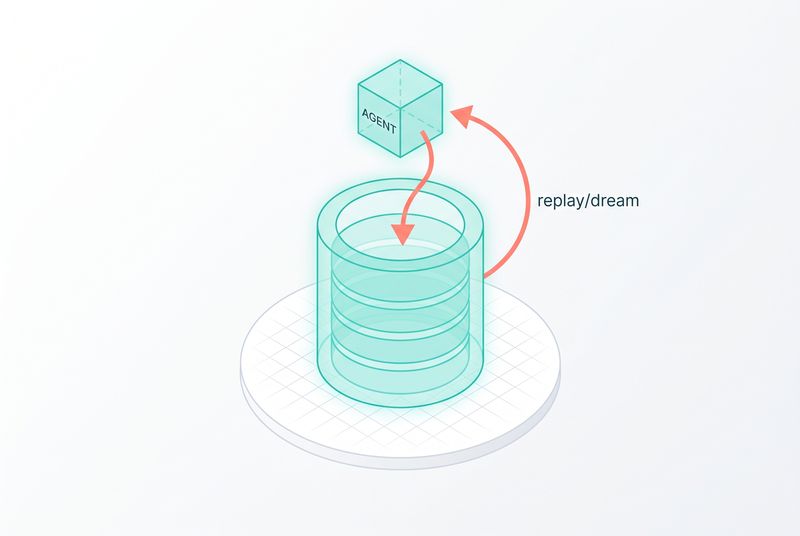
Ravi, who leads the API knowledge team within platform at Anthropic, opened his session at Code with Claude with a specific number. Rakuten saw a 97% drop in first-pass errors in production agents after adding memory. Harvey, working on legal benchmarks, saw a six-times increase in completion rates once they added dreaming on top.
Those numbers are not from a research preview that nobody used. They come from teams that put memory into production agents and measured the difference. Memory in 2026 is not a feature in a roadmap. It is the new substrate that lets agents learn.
Three key takeaways
- Memory is a file system. Opus 4.7 is good enough at navigating files that the right primitive is the same one we already know, not a custom abstraction.
- Read-only and read-write memory stores form a hierarchy. Organisation-wide knowledge sits read-only at the top. Task-scoped stores let agents write freely below it.
- Dreaming is out-of-band optimisation. A separate process reviews past sessions, finds shared patterns, and curates the memory. The agent does not pay for it on the hot path.
What changed between 2024 and 2026
The work that got us here is shorter than it feels. In 2024, MCP gave models access to external tools and data through a principled protocol. In 2025, Claude Code and the Agent SDK lowered the cost of building agents enough that teams shipped them. Later that year, skills gave agents a flexible abstraction for bolting on capabilities.
Then, last month, Anthropic released Claude Managed Agents. A platform for running agents reliably, where the hard infrastructure parts are handled and developers focus on what the agent does, not how it stays alive.
That is the through line Ravi traces. Agents are doing more work, running for longer, and operating over longer time horizons. METR's 2025 study showed the length of tasks agents can complete is doubling every seven months. The bottleneck is no longer whether the agent can do the task. It is whether the agent can carry forward what it learned.
"Managing context over long horizon tasks is still a work in progress. And that's where memory comes in."
The simplest mental model
Think about a sequence of agent tasks. Task one, task two, task three.
Without memory, the agent starts each task from a blank slate. Performance on task three looks roughly the same as task one. The agent does not get better with experience because it has no experience to carry.
With memory, performance climbs from task to task. The agent remembers what it tried, what worked, what failed. It carries that forward. The slope of improvement depends on how good the memory system is, but the direction reverses. Better, not flat.
This is what makes memory the most consequential primitive on the agent stack right now. Without it, agents are reset every morning. With it, they accrue value over time.
Why a file system, not a database
Earlier memory work at Anthropic lived in the harness. CLAUDE.md for Claude Code. Dedicated memory tools in the SDKs. Each had a specific shape and a specific API.
The shape changed for the same reason skills did. As the models get better, the right move is to step out of the way.
"Models and Claude are great at navigating virtual environments and a file system. Claude is also very capable at using familiar tools like bash and grep to read, update, and organise files. Opus 4.7 is a state-of-the-art model at file system based memory."
So the memory primitive is a file system. Claude reads files, writes files, organises them into folders, greps across them. The same skills the model already has, applied to the same shape of data they were trained on.
This is the same logic that drove skills. A skill is just markdown with optional scripts. Whatever capability you want to bolt on, you write it in the format Claude already understands, and the model figures out the rest. Memory follows the same rule. The system is files, the agent is the file user, and we stop adding abstractions on top.
"The key principle is getting out of Claude's way and letting it use the capabilities it already has."
How memory works across multiple agents
Single-agent memory is straightforward. The agent reads and writes files in a store. The interesting case is multi-agent.
Real production deployments have many agents, often working in parallel, often sharing context. A site reliability platform might have several agents handling incidents at the same time. A document verification pipeline might have agents per document type. A legal research system might have agents per matter.
These agents need to share some knowledge and keep some private. Anthropic's design uses two scopes.
Read-only memory stores. Updated infrequently. Accessible to many agents. Holds things that change rarely, organisation policies, on-call mappings, runbooks, SLO definitions, customer profiles. The kind of knowledge that should not be rewritten on every session.
Read-write memory stores. Scoped tighter. Updated freely by the agents that own them. Holds the task-specific state, the in-flight context, the fresh observations from this session.
These stack into a hierarchy. An agent has read access to a wide pool of stable knowledge and write access to a narrow scope of operational memory. New agents inherit the read-only store automatically. The read-write scope is where the agent develops its own context.
To stop two agents writing over each other when scopes overlap, the memory primitive uses optimistic concurrency control. Agents check the version they expect to be writing against. If another agent has changed it, the write fails and the agent re-reads before trying again. Same model as version-controlled source code, applied to memory.
What enterprise control looks like in practice
Memory does not get used in production if you cannot audit it. The standalone API ships with the controls teams need.
- Version control on every store. Diffs between versions show how memory evolved.
- Attribution on every write. Which agent wrote which line, with timestamps.
- Standalone API. Memory operations are not bound to a particular harness. Teams can manage memory from anywhere, with exports, redactions, and standard CRUD operations.
"Memory has a standalone API. It enables developers to manage their memory from anywhere. Teams are building their systems in many different environments."
The point is that memory is portable. The same primitive that backs Claude Managed Agents can be hit from a custom harness, a Slack bot, an automation pipeline. Once you have a store, it lives in your account, not inside a specific runtime.
The three layers of a memory system
Pulling Ravi's framing together, a memory architecture has three layers.
Storage. How data is managed and how changes are tracked. Files, version history, concurrency control, attribution. The plumbing.
Structure. The shape that lets Claude get the most out of memory. A file system Claude can read and write with the tools it already knows.
Processing. How memory gets updated. The agent writing notes as it works. The dreaming layer running out-of-band, which is the new piece.
The first two layers were the launch. The third is what changed last month.
Where in-loop memory hits its limits
The first version of memory worked the way you would expect. The agent writes notes as it works. Think of it as a developer keeping a journal while debugging. When the agent comes back to a similar task, it reads its previous notes.
This works for single agents. As Ravi's team scaled it to more complex multi-agent setups, three problems surfaced.
Agents make the same mistakes independently. Two agents working on related issues hit the same wall, write similar workarounds, and never know about each other. The learnings stay local.
Patterns of inefficiency repeat. An agent that solves a problem the slow way will, on the next similar task, often solve it the slow way again. The note it wrote was about the answer, not about how to get to the answer faster.
Updates are locally optimal, globally fragmented. Each agent writes useful things in its own scope, but the overall memory store gets fragmented. Duplication, inconsistency, no clean hierarchy emerging.
"Memory was being updated in a locally optimal way, but it wasn't globally optimal. In some cases, there was duplication or fragmentation."
The problem is structural. An agent in the middle of a task does not have the bandwidth, or the right vantage point, to reorganise the memory store. It is heads-down. The reorganisation has to happen somewhere else.
Dreaming, the out-of-band loop
Dreaming is what Anthropic built to close that loop. It runs as a separate process, independent of the agent loop. The agent works, writes memories, finishes its task. Dreaming wakes up later and processes what the agents did.
Each dreaming run takes a batch of session transcripts and the current state of the memory store. It looks for patterns across sessions. Where multiple agents hit the same issue, dreaming notices and writes a higher-level note. Where memory is duplicated, dreaming reconciles it. Where agents repeatedly took an inefficient path, dreaming records the inefficiency so future agents avoid it.
The output is a curated snapshot of the memory store. Agents can adopt the new snapshot, and the next session starts from the curated version.
"Dreaming truly enables continuous self-learning. It closes the loop on memory."
This is where the analogy in the title comes from. Memory is what the agent records while working. Dreaming is what happens between sessions, when the system reflects on what it learned and reorganises.
Why out-of-band matters
A few reasons make this work better than baking the optimisation into the agent loop.
Clean objectives. A dreaming run optimises for memory quality. An agent run optimises for task completion. Mixing those goals into one prompt is the same anti-pattern from chapter three, asking one prompt to do two jobs. Separation lets each side run on the objective that matches it.
No latency cost on the hot path. The agent does not pay for the optimisation. Dreaming runs after the fact, on its own schedule. Nightly, hourly, ad hoc, or triggered by events like the end of a session. All controlled through the API.
Cross-session vantage point. A single agent in a single session cannot see patterns across many sessions. Dreaming sees the transcripts together. That vantage point catches things no agent could see from inside its own work.
Dreaming itself is a managed agent. Each dreaming run spins up sub-agents to analyse transcripts in parallel. Same harness, same observability, same UX. The system reflecting on itself is built on the same primitive it is reflecting on.
"Dreaming is built on Claude Managed Agents. It's a feature for Claude Managed Agents built on Claude Managed Agents itself."
A worked example, on-call agents
Ravi's demo is an SRE platform. Incoming alerts come in. For some, the platform spins up agents that decide how to triage and fix the issue.
The agents have access to two memory stores.
A read-only organisation-wide knowledge store. SLO policy. Runbooks. On-call mappings. The things every agent should know.
A read-write store specific to this team's incidents. Task state, fix-in-flight notes, observations from recent triage.
In one session, an agent investigates an alert, finds the root cause, puts up a fix, and writes a note to the read-write store. The note says a fix is in flight.
A short time later, a similar alert fires. A new agent spins up. It reads the shared memory and immediately sees the fix-in-flight note. It does not duplicate the work. It acknowledges the incoming fix and acts based on what is already happening.
That is cross-session memory at work. The state of the world that one agent wrote is exactly the state the next agent needed.
Then dreaming runs. It analyses sessions from the last seven days. It notices that alerts triggered roughly 60 seconds after a CPU spike are recurring. Several sessions logged versions of this. A single agent could not have seen the pattern. The dreaming sub-agents, running in parallel over multiple transcripts, can.
Dreaming updates the memory store with a note about the pattern. It hints at a possible retry-behaviour issue. The next agent that sees this pattern starts with the higher-level context, not a fresh investigation.
The diff is visible in the cloud console. Version history shows which dream made which change. Attribution shows which sessions fed which conclusion.
Memory as test-time compute, applied to learning
The previous chapter framed test-time compute as the model spending tokens to think better right now. Dreaming is the same idea applied to learning.
"With dreaming, agents are doing the same thing. They're spending some work up front to curate and produce higher quality memory and that pays dividends for all downstream agent performance."
You pay tokens upfront, between sessions, to reorganise what the agents have learned. The cost is fixed and predictable. The payoff is every downstream session starts from better context.
That is the shape of the bet. A small amount of compute spent on memory quality lifts every agent that ever reads that store. Raise the floor, then raise it again.
What this means for teams shipping agents now
Three things change in how you architect an agent system once memory and dreaming are real.
Separate the memory layer from the agent code. A standalone API means memory is portable across harnesses. Agents in different runtimes can share a store. Build that separation in from the beginning.
Design the scope hierarchy upfront. Decide which knowledge sits read-only at the top. Decide which scope each agent owns for read-write. Get this wrong and you either flatten everything into a single store, which gets messy, or scatter it too widely, which fragments.
Schedule dreaming around your workload. Nightly is a reasonable default. Faster cadences for high-volume agent fleets where mistakes compound quickly. Event-triggered for systems where session-end is a natural review moment.
The pattern that works is: simple at first, file system as the substrate, scope hierarchy from day one, dreaming once the agent fleet has enough sessions to find patterns in.
Where this points
Agents that learn from their own work, share what they learn with each other, and reorganise their knowledge between runs are different agents from the ones we shipped last year. They get better instead of staying flat. The cost of intelligence drops over time per task because each new task starts higher.
The next chapter takes the next step. Once your agent has memory, what does production really look like? What does Anthropic handle for you with Managed Agents, and what stays on your side? That is where the abstractions in this chapter meet the operational reality.
Source video: https://youtu.be/IGo225tfF2I
Diagram briefs for this chapter:
- The two-layer architecture. Top layer: read-only organisation memory, populated infrequently, accessed by many agents. Bottom layer: read-write task-scoped stores, one per agent or per team. Arrows show read access flowing up, write access scoped down. Annotations call out the optimistic concurrency control on overlapping writes and the version history under every store.
- In-loop memory vs out-of-band dreaming. Left side: agent reading and writing memory while working, with notes accumulating. Right side: dreaming process running on its own schedule, taking session transcripts as input and producing a curated memory snapshot as output. Visual makes clear that the loops are independent and that dreaming does not delay the agent.
- The SRE demo, before and after dreaming. Two states of the memory store. Before: scattered notes from individual sessions, each describing one incident, no pattern recognition. After: dreaming has noted the 60-second-after-CPU-spike pattern, the duplicate retry-behaviour issue, and a higher-level guidance entry. Shows the qualitative difference dreaming produces.
Chapter 6: Build a production-ready agent with Managed Agents
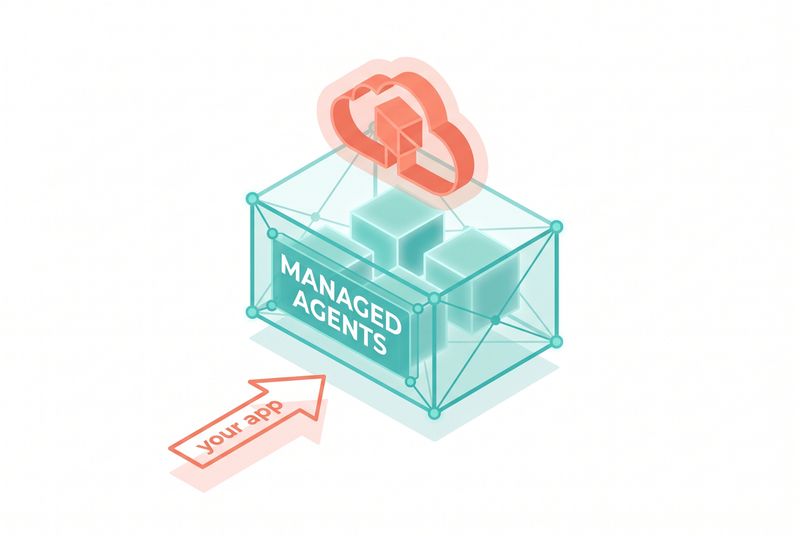
A room full of developers, hands raised. The question from the stage: who has heard the phrase "Claude Managed Agents" today? Most hands stay up. Next question: who actually knows what Managed Agents is? The hands drop. That gap is exactly what this chapter is for. Managed Agents is the most consequential primitive Anthropic shipped in 2026, and most teams are still treating it like a marketing label rather than a deployment shortcut.
The point of the talk this chapter is built on was simple. Open a laptop, clone a starter repo, and by the end of the session ship something you could deploy to production. We are going to walk that same path here, but with more room to think about why each piece exists and when to reach for it.
Three key takeaways
- Managed Agents is four primitives, not a framework. Agent, environment, session, event. Once you have those four nouns in your head, the API is small enough to fit in working memory.
- Anthropic now owns the boring infrastructure. Sandboxes, retries, context compaction, credential injection, MCP routing, durable event storage. All of that moves off your roadmap.
- The build-or-buy line is the agent loop itself. If you were planning to write your own agent loop, durable storage, and sandbox fleet, stop. If you have a differentiated harness already in production, the self-hosted primitives let you keep it.
What Managed Agents actually is
Managed Agents is a set of API endpoints, nothing more exotic than that. You use them with any Anthropic API key you already have. The endpoints give you production-ready agents and the primitives around them, and you build whatever product on top.
The reason that matters is what you no longer have to build. Out of the box, you get Claude with access to a computer. You get credential vaults that can inject MCP authentication tokens on behalf of your end users, so Claude can hit a customer's Linear or Figma without you ever touching the token. You get a tool calling harness with retries and error recovery. You get memory and context management. You get multi-agent coordination. You get observability views in the developer console so you can watch live what an agent is doing in production.
To put that list in context, consider what a typical agent product team was doing in 2024 and most of 2025. They were writing their own agent loop, debugging streaming protocols, building a sandbox provisioning system, designing a permissions UI, instrumenting telemetry, and arguing about whether to use Redis or Postgres for event storage. The product itself, the part that customers paid for, was the last thing they got to. The infrastructure ate the roadmap.
And, important, you can pick and choose. If you only want sessions and events but want to bring your own sandbox fleet on Cloudflare or Modal or Vercel, that is now supported. If you only want the credential vault and want to write your own loop, that works too. The primitives are composable.
"You can pick and choose whatever primitives you need and ditch the rest, and then build whatever product experience you need on top of."
That line is the right way to read the whole product. It is not a framework you commit to. It is a menu of infrastructure pieces you assemble.
The four primitives
Almost everything in Managed Agents reduces to four things.
Agent
The agent is a template. You define a system prompt. You declare which skills are available. You declare which tools are on the menu, and you can be granular about it. Some agents get the bash tool and web search. Others should not touch the web because you do not want them prompt-injected through search results. Some get a database MCP server, some do not.
Per-tool permission controls are part of the agent definition. The file read tool might auto-execute. Bash execution or calls to a customer database MCP might require explicit approval from your end user. That permissioning lives at the agent level, not buried in your application code.
Agents are versioned. If you ship a system prompt change you later regret, you roll back. Nothing is destroyed.
Environment
The environment is the template for the sandbox Claude runs inside. You declare whether containers have network access. You declare which packages to pre-install from npm or pip. You define resource limits.
With self-hosted environments now in general availability, this is also where you plug in your own sandbox fleet if you want one. You point Managed Agents at your Cloudflare or Modal or Vercel containers, or your own infrastructure. When Claude needs a new sandbox, Anthropic tells you, you spawn one, and you connect it.
Environments are also where the security boundary lives. If you turn off network access at the environment level, no sub-agent and no tool call can punch a hole through it. The container Claude executes in is the container you defined. That matters for compliance, and it matters for sleeping at night.
Session
A session is an ongoing conversation between you and Claude. The mental model is the same as opening claude.ai and clicking New, or starting Claude Code from a terminal. You get an ID for the agent, you get an ID for the environment, you create a session, and you start sending events.
When you create a session you can preload context. Specific GitHub repositories to clone. Files to upload into the container. Memory stores to attach. Credential vaults to make available. The session is where context gets bound together for a particular run.
Event
Sessions are just long-running event streams. You submit events from your client. The server streams events back as Claude processes. Everything that happens in a session is an event of some kind.
There are user events: messages, images, documents, interrupts, tool results, confirmations, outcomes. There are agent events: messages from Claude, tool calls, compaction, multi-agent coordination. There are session events: lifecycle transitions, retry loops, idle states, errors, terminations. There are span events: notifications that something long-running, like a full document generation, is starting and ending.
That is the whole API surface. Four nouns, an event stream, a few CRUD endpoints around each.
The event types worth knowing
A few of the event types deserve a closer look because they unlock specific patterns.
Interrupts. If Claude is going off on a tangent, you can submit an interrupt from your client and steer. You do not have to wait for the loop to complete. That makes user-driven cancellation a first-class operation, which is what you actually want when an agent is grinding on the wrong problem.
Outcomes. You can pass Claude either a file or a blob of text that acts as a spec. Claude takes a first pass at implementing it, then enters a mode where it iterates against the rubric, checking its own work until it can satisfy what you defined. From the talk:
"It will essentially enter a mode where it tries to iterate and check its work against that rubric over and over again until it finds that it can actually satisfy that rubric. We found that to be really, really powerful. It was a really great way to set up your agents for success."
This is the closest thing to a "do this until it is done" primitive in the API. If you have ever written your own loop to call Claude, evaluate output, and re-prompt, the outcome event is that pattern, hosted.
Confirmations. For human-in-the-loop, server-executed tools pause and wait for explicit confirmation from the end user. The session does not block other work, but the tool itself is gated. You get an approval UI for free if you wire it up.
Multi-agent coordination events. When Claude decides to spawn other agents to help with work, you see those threads in the event stream. Each sub-agent has its own context window, its own tools, and reports back to its coordinator. We will get to this with the deal demo below.
Span events. These are signals that something long-running has started or ended. Generating a long document with Opus 4.7, for example, can take minutes. The span event tells your UI that work is in progress so you can show a progress state instead of letting the user think the agent has stalled. Small touch, big effect on perceived reliability.
A demo you can actually copy
The talk built a fake M and A product called Deal. You have data in Linear, you have files about target companies, and you want Claude to help you decide whether to invest or acquire. The whole thing is roughly: a chat UI on the left, a list of sessions, and an active conversation in the middle.
The starter repo had a bunch of TODOs intentionally left unimplemented. Here is the shape of the work, because this is the shape of any Managed Agents app.
List sessions. One SDK call.
``typescript const sessions = await client.beta.sessions.list(); return sessions.data; ``
That is it. The Anthropic SDK ships with the Managed Agents endpoints. You hit list, you render the result.
Retrieve a single session. Another SDK call, returns the full session object including the agent definition, the connected MCP servers (Linear in the demo), the tools available, and any outcomes that were set.
Send a session event. A relatively straightforward POST. You build a user event, you submit it.
Stream session events. This is the one that gets interesting. The server streams events as Claude generates them. You consume the stream on the client and render Claude's responses, tool calls, sub-agent spawns, and lifecycle transitions in real time.
In the talk, the presenter did not even write the streaming code by hand. They pointed Claude Code at the TODOs and let it figure it out. The reason that works: Claude Code ships with the Claude API skill installed by default. That skill makes Claude excellent at using the Anthropic APIs, including Managed Agents.
"That is really all you have to do to make Claude really good at using this thing."
The meta-point is worth pausing on. Claude can help you build your own Claude integration. The skill is curated, tested, and current. You do not need to keep API docs in your context window. You delegate the integration code to the agent that already knows the API.
What it looks like running
Once the streaming is wired, you create a new session with the Linear MCP attached and a memory store enabled. You give it a starter prompt. In the demo, the interesting one is an outcome event, not a regular message:
"There are three companies we are looking at. Bridgewell Dynamics, Norwood Automation, Acme Robotics. We have data about them all over Linear and some files we uploaded. We want to make a good decision here. Can you iterate on finding information about them and criticize your own work and let us know whether the findings actually satisfy the rubric we gave you?"
What happens next is the interesting part. The agent is configured to use the new multi-agent feature, so the coordinator delegates. One sub-agent looks at macroeconomic and industry trends. Another does financial analysis with whatever tools and MCP servers it has access to. Another reads the uploaded files. Each one runs in its own context window. Each one chats back to the coordinator with what it found.
In the developer console, you can watch this live. Each horizontal lane is an independent agent. You can click into individual events, see the inputs and outputs of each tool call, watch web searches resolve, see how long each call took. If a tool is slow, you debug it from the console.
That observability is the part you do not realize you need until you do not have it. Anyone who has shipped an agent without it has lived the nightmare of trying to reconstruct what happened from logs that were never structured for this.
The console also surfaces memory stores. You can read what Claude has been writing to itself across sessions. If a memory looks wrong, you edit it. You can add memories manually if you want to seed the agent with knowledge before a session even starts. Treating memory as a first-class, inspectable thing instead of a black box opaque to operators is one of the quiet wins of the platform.
Self-hosted environments and MCP tunnels
Two of the most recent additions deserve their own section because they unlock enterprise use cases that were previously blocked.
Self-hosted environments. You bring your own containers. Cloudflare, Modal, Vercel, or your own infrastructure. The reason this matters: most enterprises already have accounts on these platforms with private data inside their VPC perimeter. They do not want that data leaving the perimeter. With self-hosted environments, the sandboxes never run on Anthropic infrastructure. You spawn them. You connect them. Managed Agents orchestrates Claude against them.
MCP tunnels. If you have private MCP servers inside your network, you do not want them exposed on the public internet. The tunnel sets up a secure connection that lets Claude reach those private MCP servers without ever exposing them. From the talk:
"Claude can directly connect to that safely without those MCP servers ever being exposed on the internet. It is a really nifty way to connect more private data sources to Claude and to Managed Agents."
If you have been blocking your AI adoption on "we cannot expose our internal services to a third party," the tunnel removes that blocker.
What you would build yourself if you skipped Managed Agents
The honest comparison. If you decided to build all of this from scratch today, here is the list:
- Your own agent loop, or you commit to the Agent SDK and host it somewhere remote
- Context management and compaction logic that survives long sessions
- State machine for session lifecycle transitions, including retry and recovery
- Integration of skills, MCP servers, and the tool calling harness
- Durable storage for events, sessions, threads, agent definitions, versions
- A sandbox fleet that reacts to what Claude is doing, spinning up and tearing down containers
- End-to-end user authentication that is secure and reliable
- Credential injection that never lets tokens enter the model's context
- Observability and live debugging across all of the above
That is a six-to-twelve-month roadmap for a small platform team. Managed Agents gives you all of it out of the box. You may not use every primitive on day one. That is fine. They are there when you need them.
When to use Managed Agents, when to roll your own
The decision is not binary because the primitives are composable. But here is a useful set of defaults.
Use Managed Agents if:
- You are starting from zero on an agent product and need to ship in weeks, not quarters
- You need credential injection for MCP servers on behalf of end users
- You want versioned agent definitions and a permission model out of the box
- You want the developer console for debugging in production
- You need multi-agent coordination and do not want to build the orchestration yourself
Roll your own if:
- You have a differentiated agent loop with patterns the platform does not yet support
- You need behavior that is not exposed by the event types yet
- You are at extreme scale where the cost economics of the platform do not work for you
Hybrid is the most common answer. Use Managed Agents for the agent loop, sessions, events, and observability. Bring your own sandboxes via self-hosted environments. Bring your own MCP servers via tunnels. Keep what is differentiated, drop what is undifferentiated.
Deployment patterns that work
A few patterns from the talk and the broader 2026 rollout that are worth copying.
The deal pattern: coordinator plus specialists. One agent has a broad system prompt and access to all the relevant MCP servers. It delegates to specialist sub-agents for tasks like macro analysis, financial analysis, document review. Each specialist has a tighter system prompt and tighter tool access. The coordinator does synthesis.
The outcome pattern: rubric-driven iteration. Instead of a chat message, you submit an outcome with a clear spec. Claude takes a first pass, evaluates against the rubric, iterates. Use this for any task where success is verifiable: data extraction, code generation against tests, research that has to hit a checklist.
The credential vault pattern: per-end-user MCP. You provision an MCP token once per end user, store it in the vault, and reference the vault in sessions you create for that user. Claude can use the MCP without ever seeing the token. This is the right shape for any SaaS product where end users have their own third-party accounts.
The memory store pattern: long-running learning. Attach a memory store to a session. Claude reads from previous memories and writes new ones. Sessions for the same user, or for the same task, get smarter over time. You can also inspect and edit memories from the console when Claude gets something wrong.
The MCP tunnel pattern: private data without public exposure. For enterprises with internal services that should never touch the public internet, tunnel into the MCP server through the platform. The MCP server stays inside your perimeter. Claude reaches it through the tunnel. You get full agent capability against private data sources without standing up a public endpoint or building a reverse proxy.
The interrupt pattern: human steering as a feature. Wire the interrupt event to a cancel or steer button in your UI. When the agent is heading in the wrong direction, a user click sends an interrupt. The agent stops, accepts new context, and continues. This turns frustrating long-running tasks into responsive ones.
What ships today versus what is on the roadmap
Most of what is in this chapter is available now with any API key. Self-hosted environments shipped at the same conference. MCP tunnels too. Multi-agent coordination shipped two weeks before the talk. Credential vaults and memory stores are general availability.
One thing that was hinted at but not yet released: a plugin-style extension surface for agents. The questioner in the room asked whether you can put plugins into agents. The answer was that something is in development, that the team wants the Claude ecosystem to cohere, and that agent definitions themselves already operate a lot like plugins. Worth watching the changelog.
A note on cost and quotas
Managed Agents bills against your normal Anthropic usage. The platform itself does not add a separate line item beyond standard token costs and any additional compute for sandboxes you run on Anthropic infrastructure. Self-hosted sandboxes run on your own cloud bill.
For teams sensitive to spend, the practical recommendation is to wire up the developer console early and watch per-session token usage. Multi-agent sessions can fan out, and a coordinator with five sub-agents will burn through tokens faster than a single thread. The visibility is there. Use it.
The mental shift
The biggest change Managed Agents asks for is not technical. It is a willingness to stop building infrastructure that is no longer differentiated. If you are still writing your own agent loop in 2026 because that is how you started in 2024, you are spending time on a problem that has been solved better than you can solve it alone.
The differentiated work is in your domain. The system prompt that captures how your team thinks. The skills that codify your workflows. The MCP servers that expose your data. The product experience your users actually touch. Everything below that line, the platform now handles.
That shift is what makes the chapter ahead possible. Once the infrastructure layer is settled, the interesting question becomes what you build on top. The next chapter is one company's answer to that question, and the answer involves real money moving on signals an AI built.
Source: Build a production-ready agent with Claude Managed Agents, https://youtu.be/jWWsLe4Gh5Y
Diagram briefs
- The four primitives. Boxes for Agent, Environment, Session, Event with arrows showing how they compose. Agent points to Environment as "runs in," Session points to Agent and Environment as "instantiates," Event points to Session as "streams within."
- Build-it-yourself vs Managed Agents. Two parallel columns. Left column: agent loop, durable storage, sandbox fleet, auth, retries, observability, MCP routing, context compaction. Right column: same list but greyed out with "handled" next to each. The differentiated work (system prompts, skills, MCP servers, product UI) sits at the top of both columns.
- The deal demo flow. Coordinator agent in the middle. Four specialist sub-agents (macro, financial, document review, web search) branching out. Each with its own context window icon. Arrows back to coordinator carrying findings. Outcome rubric box at the top driving the whole loop.
Chapter 7: Building signals that trade themselves
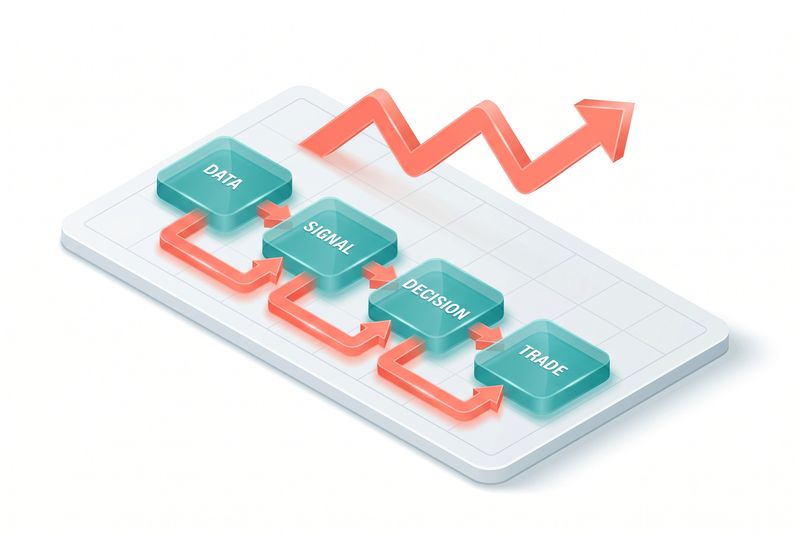
Tashara Fernando, head of data and AI at Man Group, opens with a number. Two hundred billion dollars. That is what Man Group manages for pension funds, sovereign wealth funds, large institutions. The clients are teachers in Canada, metal workers in Japan. Real people, real pensions, real money. If the AI gets it wrong, real money disappears.
That stake is the right frame for this chapter. The case study here is not a toy. It is a regulated investment firm putting trading signals into production that were researched, back-tested, and proposed by an AI. Humans reviewed the output. AI sat at the center of the process. The signals are live, running real capital, right now.
The lesson is not the signal itself. Man Group is not handing out their alpha. The lesson is the foundation underneath it: how to set up an AI platform so that an agent can actually do work as complex as systematic trading without breaking the firm.
Three key takeaways
- The signal is the tip of the iceberg. Everything underneath, data cleaning, price stitching, outlier detection, back test infrastructure, is where the work is. Get that right and the signal is easy. Get it wrong and every team produces a different answer.
- Skills are how institutional knowledge becomes leverage. Frontier labs cannot give you context for your own data and workflows. That context is your moat. Skills are the connective layer that lets AI use it.
- Adoption without governance is a trap. If power users write skills instead of process owners, you end up with hardcoded cost center codes auto-approving expense reports for the wrong department. Ask Man Group how they learned that.
What a trading signal actually is
Before the AI piece, the analogy. Fernando uses fantasy football, which is the right move because it makes the math intuitive.
A signal ranks securities by some factor. Green bars at the top are the starting lineup, the ones you want to back. Red bars at the bottom are the reserves, the ones you want to short. The middle is the subs bench. The factor that ranks them is the strategy. Past three-month returns. Earnings surprises. Credit card spend. Whatever your idea is.
The question is always: does the factor actually predict returns? The honest answer: you do not know. You cannot tell the future. The best you can do is run the strategy through history, fifteen years or more, see how it performed across recessions and rallies and stresses. That is the back test.
Back tests produce statistical factors. Annualized return. Drawdown, which is how much it lost when it lost. Sharpe ratio, which compares volatility against return. A good signal has a strong return, a manageable drawdown, and a Sharpe ratio that says the returns are not just luck.
This is the workflow. Idea, data, back test, evaluate, propose, productionize. Man Group's bet was that AI could enhance every step.
The iceberg problem
Coming up with a signal idea is the quick part. Everything underneath is where systematic trading lives.
How do you clean the data? Real market data has gaps, splits, dividends, mergers, ticker changes. Prices need to be stitched across corporate actions to be comparable. How do you detect outliers? Bad ticks happen. A trade that prints at the wrong price can blow up an entire factor model if you do not catch it. How do you run the back test? On what infrastructure, at what scale, with what assumptions about transaction costs and slippage?
Fernando is direct about what happens when teams build their own versions of these workflows:
"If different teams are running different versions of those workflows, you get different answers. One team's back test looks amazing and another team's looks average. And because they're using different workflows, you don't really know whether it was the idea that was better in one team than the other or whether they're just measuring things differently."
This is the bug that quietly kills systematic trading shops. You think you are comparing signals. You are actually comparing workflows. The signal that wins is sometimes just the one wrapped in the more generous back test.
Shared workflows fix that. One common foundation. Effort not duplicated. Outputs comparable. That is the bedrock the AI sits on.
Out of the box, Claude does not know you
Fernando is also direct about this part:
"Out of the box, Claude is an amazing general purpose tool. It does a lot, but it doesn't know us. It doesn't know our data. It doesn't know our systems. It doesn't know how we work. And it's the same for everybody in this room."
The job is not retraining the model. The job is not fine-tuning. The job is teaching Claude by giving it access to your data, your capabilities, and your workflows. Skills are how you do that.
Man Group has decades of institutional knowledge in systematic research and some of the best technical capabilities on the street. That is the asset. AI without it is a smart undergraduate. AI with it is a quant who already knows the firm.
"Skills are the connective layer that allow AI to leverage that superpower."
That sentence is the whole chapter in one line. Skills make institutional knowledge available to the model.
How Man Group got it wrong before they got it right
The story does not start clean. Man Group went hard on adoption first. Skills workshops with Anthropic. Hackathons. Internal blog. Show and tell sessions. Everyone was writing skills. Adoption was, in Fernando's words, out of this world.
Then the cracks started showing.
The skills were being written by power users, not process owners. That meant every skill represented a local optimization for one user, not a common organizational solve. A skill that worked for one team's quirky workflow would fail or, worse, silently misbehave for another team.
The story that makes this concrete is the expense report skill. A traveler at Man Group wrote a skill that took pictures of receipts and produced expense reports. Worked beautifully for him. He shared it. A few teammates installed it. A few days later, an expense approver in sales was suddenly receiving expense reports for cost centers across technology and the people team.
"Why is Claude creating so many expense reports for my cost center? People from technology, people from the people team. Why do I have to approve all of them? I'm in sales."
The cost center code was hardcoded in the skill. The skill author was a power user, not the workflow owner. Nobody had reviewed it. It worked for him so it would work for everyone.
The expense report misfire was funny. The pattern behind it was not. People were codifying their personal ways of doing things and pushing them onto the org as shared infrastructure. For trivial workflows, fine. For systematic trading back tests, that pattern is catastrophic.
Skills governance, the part that scaled
Man Group's response was a common marketplace for skills. Every skill visible. Tagged. Tested with evals.
Fernando's image is a library. There are sections for the finance department, the people department, the research department. Every item is cared for. Every skill in those departments is owned by the workflow owner, not whoever happened to write it. Every skill is tested. Usage is tracked. Skills have a lifecycle, including retirement. They are reviewed.
That care is the thing. Without it you have a folder of files. With it you have institutional knowledge that AI can call.
"It's really that care that makes this work. And it's the foundation that moves skills from individual productivity solves to a foundation that can set you up for the agentic age."
Concrete results: about 750 of Man Group's 1,700 employees use Claude Code. Developers, quants, finance, people team. Over 100 governed skills. At least as many community skills sitting in the library, looked after but lower stakes.
The 750 number is the one to sit with. Forty-four percent of the company uses Claude Code daily, and they can do it because the skills layer abstracts the workflows. A junior analyst does not need to know how price stitching works. They install the data skill. They get the right answer.
What it looks like to build a signal
Man Group calls their context store "My Knowledge." It is where their skills live, tailored to each business unit, organized into managed and community skills.
Plugins group related skills. The data plugin gives access to Man Group's data sets. Skills can also be installed individually.
The demo walks through a credit card signal as a worked example. The signal idea: consumer credit card spending should predict the stock prices of consumer-facing companies.
Step one: data ingest. Use the alternative data set skill to search Man Group's data. Ask Claude what credit card data sets are available. The skill returns a US consumer transactions data set with the right history.
Step two: signal generation. Plot Amazon's monthly credit card spend against its stock price returns. The chart shows blue bars for credit card spend and a line for stock price. Visible spikes appear for seasonal spend like Black Friday and Christmas. Already this is the kind of plot a junior quant would burn a day producing. Claude does it in a few prompts.
Step three: decision via back test. Run a back test to see if credit card spend is predictive of the stock price. Compare peaks in spending with profits and losses. The signal beats buy-and-hold for Amazon. Investing $1,000 in 2021 using the signal would be worth around $2,500 by the test endpoint.
Step four: validate across a universe. A single company could be a fluke. Run the signal across a broader universe of retail companies. This is where the infrastructure matters: Man Group's distributed compute runs each company as an individual worker, then collects the findings. The compute skill knows how to spawn workers and aggregate results.
Step five: execution and monitoring. Production signals get reviewed by humans, then deployed into the live trading system. They run against real capital. Performance is tracked against the back test prediction.
The case study Fernando shows uses four skills end to end: data search, plotting, back test, distributed compute. In reality, production signal research is more nuanced, accounting for seasonality, inflation, broader securities universes. Agents and humans both explore the ideas.
The takeaway is the same either way:
"The key takeaway is that the governance of these skills is key. It ensures that everyone has access to the same data and everyone uses the same workflows."
The pipeline, end to end
Pulling the pieces into one place. This is the production architecture, in the order data flows through it.
Data ingest. Alternative data sets, market data, fundamentals, news, credit card transactions, satellite data, whatever your firm has. Each data source is wrapped in a skill that knows how to search it, sample it, validate it. The skill is owned by the data team, reviewed, tested.
Signal generation. A research agent uses the data skills to pull what it needs, plots relationships, hypothesizes factors. This is the creative step. The model is doing the work a junior quant would do at a whiteboard.
Back test. A back test skill runs the proposed signal against historical data with consistent assumptions about transaction costs, slippage, and survivorship bias. Same skill across the firm. Outputs are comparable across signals because the workflow is shared.
Decision. The signal output, returns, drawdown, Sharpe ratio, is written up as a strategy proposal. Claude can write the first draft of the proposal. A human reviews it. The investment committee approves or rejects.
Execution. Approved signals go live. They run against real capital through the firm's existing execution infrastructure. The signal feeds positions, the trading system fills them.
Monitoring. Performance is tracked. Drift from back test is flagged. If a signal starts behaving differently than history predicted, it is reviewed and potentially retired.
Each step has skills owned by the team that owns the workflow. Each skill is tested. The whole thing is auditable, which matters because Man Group is a regulated investment firm and regulators will ask how a decision got made.
What Fernando would tell past Tashara
The final part of the talk is the lessons learned, addressed to past self. They generalize.
Focus on organizational context. That is your IP. It is one of the few safe spaces left in AI. The frontier labs are not going to solve context for you. It is not on the internet. You have decades of it. The work is exposing it, not reinventing it.
Treat skills like production code. They will become production code, so plan for it now. Who owns the skill? Who reviews it? How does it get retired? How is it tested? Decide before shipping the first skill, not after the hundredth, like Man Group did.
Adoption is not a licensing problem, it is a people problem. Once the platform is in place, you have to encourage people to engage with it. Capture organizational context. Rethink workflows rather than just augmenting them. That is a training problem and an engagement problem. Outreach matters.
The last one is the one most enterprise AI programs get wrong. They buy the licenses, run a kickoff, and wonder why nothing happens. Man Group put 750 people into daily use because they invested in the workshops, the hackathons, the show and tell sessions, the blog. They built a culture of skill writing, then they put governance underneath it so the culture did not collapse under its own weight.
Why this case matters even if you do not trade for a living
The reason this chapter is in the book is not because most readers will be writing trading signals. The reason it is here is that systematic trading is one of the more demanding enterprise environments AI can be deployed into. Regulated. High stakes. Decades of institutional context. Multiple teams that have to produce comparable outputs. Real money moving on the answers.
If the foundation works there, the foundation works in your domain too. The pieces translate.
Your data sources become skills. Your back tests become whatever your equivalent verification step is, evaluations, simulations, QA tests, compliance checks. Your distributed compute becomes whatever scale-out infrastructure you have. Your governance becomes the marketplace where workflow owners maintain their skills.
The pattern Fernando described is the pattern for putting AI into any serious enterprise context. Foundations first. Skills as the connective layer. Governance as the thing that keeps it from rotting. Humans in the loop for the decisions that matter.
"Once you have that basis of knowledge, if you care for it and AI can leverage it, that will really set you up for the agentic age."
That is the line to write on the wall.
Closing forward
The chapters in Part 5 of this book are briefer companions: capability curves, designing with Claude, building on Google Cloud, enterprise scale at monday.com and Doctolib and Delivery Hero, Spotify migrating thousands of repos. They share a thread with this one. The teams that win are the teams that built the foundation first and let the AI compound on top.
The next chapter zooms back out to the capability curve itself, which is the thing all of this rides on. The pace at which the models improve has not slowed. Adoption is the constraint. Let us look at why.
Source: Building signals that trade themselves, https://youtu.be/EOg4gY0Yln0
Diagram briefs
- The signal iceberg. A traditional iceberg illustration. Above the waterline, a small box labeled "Signal idea." Below the waterline, a much larger structure labeled with the workflows: data cleaning, price stitching, outlier detection, back test infrastructure, compute orchestration, governance. Annotation: "The work is below the line."
- The credit card signal pipeline. Horizontal flow with five stages: Data ingest (alternative data set skill), Signal generation (plotting and hypothesis), Back test (single company), Universe validation (distributed compute across retail companies), Production (live capital with monitoring). Skills labeled at each stage. Human-review checkpoint marked between back test and production.
- The skills library. Library shelves with section labels: Finance, People, Research, Data, Trading. Each shelf has skill cards. Each card shows owner, status (managed vs community), test coverage, usage. A separate shelf labeled "Retired" sits at the side. A check-in desk at the front represents governance review.
Chapter 8: The Capability Curve
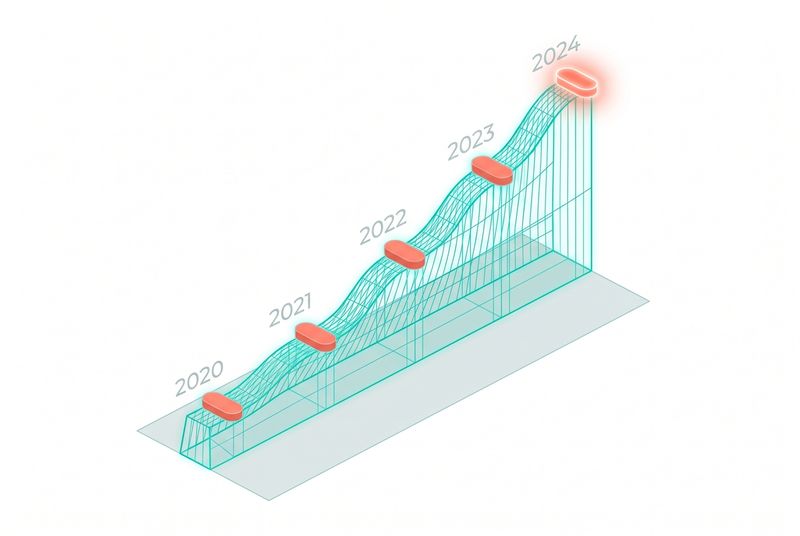
The talk opens with a simple framing from the abstract: frontier models are getting more capable, fast, and the question for anyone building on Claude is what that curve actually looks like and where it bends. The session sketches the trajectory, then translates it into engineering decisions you make this quarter. Expect the presenter to compare model versions across concrete axes, not just benchmark deltas, and to spend time on the part developers usually skip, which is what changes about your code when the underlying model gets better. By the time the talk ends, the takeaway is meant to be a planning posture, not a benchmark chart.
Why this matters
If you are shipping anything on Claude in 2026, the capability curve is the variable that resets your roadmap every quarter. A workflow that needed two agents and three retries on the previous generation often collapses into a single call on the new one. A pattern you wrote around a context limit becomes a constraint that no longer exists. Teams that ignore the curve end up maintaining scaffolding that the model has outgrown, paying tokens for prompts that became unnecessary three months ago.
The flip side is also true. Teams that bet too aggressively on the next jump end up shipping demos that depend on capabilities the production model does not yet have. The talk is useful because it gives you a way to think about both failure modes at once. You want to be writing code that gets better as the model improves, without writing code that only works once it improves.
What to watch for
When you watch this session, pay attention to four things.
First, the shape the speaker draws. Is the curve smooth, stepped, or branching across different capability dimensions like reasoning depth, tool use reliability, long-context recall, and code generation? Each of those has its own slope, and they do not move together.
Second, the time horizons. A six-month outlook drives different architectural choices than a two-year outlook. Watch for the moments where the talk shifts between near-term ship-this-quarter advice and longer-term position-your-architecture advice.
Third, the asymmetries. Some capabilities improve in ways that compress your code. Others improve in ways that expand what you can attempt. Knowing which is which tells you whether to delete prompts or write new agents.
Fourth, the unknowns the speaker is honest about. Anyone presenting a capability curve in public is making forecasts. The interesting question is which parts they hedge on.
Notable themes
Based on the title, the abstract, and the broader state of Claude development in 2026, expect the talk to circle these themes.
The compounding nature of capability gains. Each generation does not just get better at the tasks it could already do. It opens new categories of task that were not feasible before, and the talk likely uses examples like multi-hour autonomous coding sessions or complex tool orchestration to illustrate that shift.
The shift from prompt engineering to capability engineering. As models get more capable, the value moves from clever prompts to good system design around the model. The talk should touch on what that means for how you spend your time as a developer.
The relationship between model capability and agent reliability. Stronger base models make agents more reliable, but the talk will probably acknowledge that the gap between a capable model and a reliable agent is its own engineering problem.
Capability versus deployability. A capability shown in research is not the same as a capability you can put behind a customer-facing endpoint. Expect a section, explicit or implicit, on what makes a capability productionizable.
What to bet on now. Every capability talk has a closing posture. Watch for the specific advice on what to build, what to delay, and what to write so that it benefits from the next jump without depending on it.
How to use this chapter
Treat the talk as a planning input, not a prediction. The most useful exercise after watching is to write down three things in your current Claude-based system that you would design differently if you knew today's model was the worst one you will ever ship on. That list is your roadmap, and the capability curve talk is what makes the list sharper.
The second exercise is to identify one thing in your stack that you have been building around as if it were permanent. Long-context handling, tool invocation patterns, error recovery loops, agent supervision logic, all of these are candidates. Ask whether the next generation of Claude is likely to make that scaffolding redundant. If the answer is yes, you have a decision to make about whether to keep investing in it.
Pointer
Watch the talk at https://www.youtube.com/watch?v=DNRddIEoH3c
Chapter 9: What's New in Claude Code
The abstract is direct: a twenty-minute summary of what shipped in Claude Code, why the team built it, and how to get started. That format makes this one of the most useful sessions of the conference, because it is the official map of where the product is right now. The talk likely runs through recent releases in the order they shipped, with quick context on what problem each one solved. If you have been using Claude Code for any length of time, expect to find at least three features you missed and at least one you have been working around without realizing the fix already exists.
Why this matters
Claude Code releases fast. Most teams are running a workflow built on assumptions from six months ago, with bolted-on workarounds for limitations that no longer exist. A "what's new" talk is the cheapest possible audit of your own setup. You walk through someone else's tour of the product, and you find the gaps in your own usage.
There is a second reason this matters. The way the team explains what they shipped tells you what they think the product is for. If a feature gets framed as "for agentic workflows", that signals where engineering investment is heading. If something is framed as "for production teams", that tells you where the polish is going. Watch the framing, not just the demos.
Key questions to ask
As you watch, hold five questions in mind.
What did they ship in the last quarter that I am not using? Make a literal list. Each item is a candidate experiment for next week.
What did they ship that I am using wrong? Some features have non-obvious interactions with your existing workflow. Hooks, subagents, custom skills, and slash commands all reward careful setup and punish casual setup.
What did they explain in a new way? Even if a feature is familiar, a fresh framing from the team can change how you use it. Pay attention to the metaphors they reach for.
What was glossed over? Twenty-minute summaries compress hard. The features that get one slide instead of three are often the ones the team thinks are still maturing. Note them so you can revisit later.
What is on the near roadmap, said or unsaid? Few talks make explicit promises about what is coming next, but the choice of what to demo, what to compare to, and what to call out as "for now" is itself a signal.
Notable themes
Given the state of Claude Code in 2026 and the typical shape of an Anthropic update talk, expect these themes.
Agent loop improvements. The way Claude Code plans, acts, observes, and recovers is the core engine, and most recent releases either make that loop more reliable or give you more control over it. Expect demos of long-running sessions and how they hold together.
Subagents and orchestration. Spawning specialized agents from inside a Claude Code session has become a standard pattern, and the talk almost certainly covers how subagents share context, how you scope their permissions, and what happens when they finish. If you are still running everything in a single context window, this is the section that changes your stack.
Skills and customization. The skill system, where you encode a procedure as a directory the model can find and use, has matured into a serious extension surface. Expect coverage of when to write a skill versus a slash command versus an MCP server.
MCP integration. Model Context Protocol has become the connective tissue between Claude Code and the rest of your tooling. Expect a section on what is now easier to connect, what new servers exist, and what the team recommends for production setups.
Permissions, settings, and safety. As Claude Code does more on its own, the controls around it have to keep up. The talk likely covers updated settings, hook patterns for guardrails, and the configuration choices that matter when you let the agent run without supervision.
Performance and cost. Token efficiency, caching, and the practical economics of running Claude Code at scale will come up, probably with concrete numbers on cache hit rates or session costs.
How to use this chapter
After watching, do two things.
First, open your current .claude/ directory, your global settings, your skills, and your slash commands. Compare them against the talk. Anything you set up more than six months ago is probably due for a refresh.
Second, pick one feature from the talk that you do not currently use, and commit to running it for a full week. The "what's new" format is wasted if you treat it as entertainment. The point is to leave the talk with one concrete change to your workflow.
Pointer
Watch the talk at https://www.youtube.com/watch?v=sRvUXLquiRg
Chapter 10: Stop Babysitting Your Agents
The abstract sets up the contrast: stop babysitting your AI and start orchestrating it. The talk promises a walkthrough of the workflows Claude Code engineers themselves use to get the most out of the agent. That framing is important. This is not a "best practices" deck assembled by docs writers. It is a look at how the people building Claude Code work with it on their own machines, where the constraints are real and the deadlines are theirs. Expect concrete patterns, named workflows, and at least one moment where the presenter shows something you were not supposed to need to see.
Why this matters
Most developers operate Claude Code in supervision mode. You give it a task, you read every diff, you approve every command, you correct it when it drifts. That works, but it caps your throughput at the speed of your own attention. The whole promise of an agentic workflow is that you can let the agent run, do something else, and come back to a result that is good enough to ship or close enough to fix.
The gap between supervision mode and orchestration mode is mostly a skills gap. It is about knowing which tasks to delegate, how to scope them, how to set up the environment so the agent can verify its own work, and how to recover when it goes off track. The talk is valuable because it shows you the moves that close that gap, demonstrated by people who have crossed it.
There is also a sharper reason this matters. As models get more capable, the cost of supervising them goes up, not down. The capable model finishes the task in three minutes. Your code review of what it did takes ten. If you keep babysitting, you become the bottleneck in your own workflow.
What to watch for
Five things are worth watching closely.
The setup, not the demo. Anyone can write a prompt that produces an impressive result. What matters is the surrounding configuration: the CLAUDE.md file, the hooks, the permission boundaries, the verification commands, the way the agent's environment is structured before the prompt is even written. Watch how much of the work happens before the agent runs.
The recovery patterns. Agents fail. The interesting question is what the presenter does when the agent fails. Do they restart? Roll back? Add a hook? Re-scope the task? Patterns here are gold.
The parallelism. Running one agent is interesting. Running three at once is a different skill. Watch for how the presenter manages multiple sessions, worktrees, or branches at the same time, and how they avoid getting lost in their own coordination.
The verification loop. The phrase to listen for is "how does the agent know it is done." Self-verification is the difference between an agent that needs your eyes and an agent that can close the loop on its own.
The honesty about what does not work. A real workflow talk includes the cases where the agent is wrong. Pay attention to what tasks the presenter still does by hand, and why.
Notable themes
Expect the talk to circle these themes.
Plan-first workflows. Most experienced Claude Code users separate planning from execution, asking the agent to produce a plan first, then executing it. The talk likely shows variants of this pattern and the prompts that make it reliable.
Skills, subagents, and slash commands as the orchestration layer. The way you move from babysitting to orchestrating is by codifying the parts that you repeat. Once you have a skill for a recurring task, you stop teaching the agent the task each time. Expect the presenter to show their own collection.
Permissions and hooks as guardrails. The reason developers babysit is because they do not trust the agent with their machine. The fix is not to watch more carefully, it is to bound the blast radius. Hooks and permission settings make autonomy safe.
Worktrees and parallel sessions. Running multiple Claude Code instances against the same repo, on different branches, has become a standard pattern for serious users. The talk will probably touch on the tooling around this.
The mental model shift. Babysitting treats the agent as an extension of your hands. Orchestration treats it as an extension of your team. That shift changes how you delegate, how you review, and how you measure your own productivity.
Verification before review. The pattern is to invest in tests, type checks, linters, and visual checks that the agent can run on its own before it asks for your time. The talk will likely make the case that this is the single highest-leverage investment you can make in your own workflow.
How to use this chapter
After the talk, run a self-audit. Pick the last five tasks you did with Claude Code. For each one, ask: did I supervise this, or did I orchestrate it? If you supervised, why? Was it because the task required your judgment, or because your setup did not let you trust the agent? The second category is the work to do.
Then pick one task type you do regularly and turn it into a skill or a slash command. That is the single most direct way to move from babysitting to orchestrating.
Pointer
Watch the talk at https://www.youtube.com/watch?v=wI0ptqCSL0I
Chapter 11: Designing with Claude, From Prompt to Production

The abstract describes Claude Design as a tool that lets you describe what you want in plain language and get production-quality outputs, with the talk walking through how a small team built it and shipped it in-brand. That framing is doing a lot of work. "Plain language" suggests the gap between intent and rendered design has narrowed. "Production-quality" suggests the team is serious about output that meets a bar, not just something that looks plausible in a demo. "In your brand" suggests they have solved part of the consistency problem that usually breaks generative design tools at scale. Expect a session that is part product demo, part engineering story, and part design philosophy.
Why this matters
Design has always been the hardest seam to automate between idea and shipped product. Code generation crossed a quality threshold a few years ago. Copywriting crossed it before that. Design has been the last holdout, partly because the output is judged visually, partly because brand consistency is hard to encode, and partly because design lives inside file formats and tools that resist automation.
A working "prompt to production" design tool changes the economics of small teams. If a single engineer or PM can get an in-brand, production-quality mockup in minutes, the design review cycle compresses, the iteration count goes up, and the cost of trying something rises only slightly. For practitioners working on internal tools, customer dashboards, marketing pages, or fast-iterating product surfaces, this is the loop that gets shorter.
There is also a deeper signal in the talk. A small team built a real design tool inside Anthropic. The fact that they could do it is itself evidence about what is now buildable with Claude as the core, and how the team thinks about the gap between research capability and shipped product.
What to watch for
Pay attention to four things.
The brand grounding. The hardest problem in generative design is consistency across a brand. Watch how the team handles design tokens, component libraries, and the rules that make an output look like your product instead of a generic web app. The mechanism here is the part that translates to your own work.
The prompt surface. "Plain language" can mean many things. Is the input a sentence, a structured brief, an annotated screenshot, a wireframe? The talk should show what the prompt looks like for a real output, not just a demo prompt.
The handoff to production. A design that looks great in the tool is not the same as a design that ships. Watch how the team handles the gap between rendered output and deployed code, what formats they emit, and how human designers and engineers stay in the loop.
The role of evals. Any team that says "production-quality" has done work on what quality means. Look for how they measure whether an output is good, who decides, and what they do when an output fails the bar.
Notable themes
Expect the session to touch on these themes.
The shift in the design pipeline. Traditional pipelines move from research to wireframe to high-fidelity mock to engineering handoff. A prompt-to-production tool collapses several of those stages and probably reshuffles the rest. The talk likely explains where designers still spend their time when the tool absorbs the middle steps.
Brand as a system, not a vibe. To get consistent output, the team had to encode the brand. That means design tokens, component primitives, layout rules, content guidelines, and the connective tissue between them. Watch how they describe this work, because the lesson generalizes.
The small-team multiplier. The abstract mentions a small team. That detail matters. Expect at least a few minutes on what becomes possible when the team is small and the model is doing more of the rendering work.
Iteration loops. A generative tool only earns its place if iteration is fast and cheap. The talk will probably show what the iteration loop looks like in practice, from prompt to render to refine.
Where humans remain essential. Every honest talk about a generative tool admits where humans still own the work. For design, that probably includes brand definition, edge-case judgment, accessibility review, and the moments where taste matters more than coverage.
Lessons that generalize beyond design. The patterns the team used to build Claude Design, evals, brand encoding, prompt structure, production output, are the same patterns you would use to build any prompt-to-production tool in your own domain. Listen for the architecture, not just the design output.
How to use this chapter
If you build design surfaces, watch the talk twice, once for the demo and once for the architecture. Then pick the part of your own design pipeline that is most painful and ask whether the patterns from the talk apply. The answer is probably yes, and the path is probably shorter than you expect.
If you do not build design surfaces, watch it once and translate the architecture to your domain. The team built a tool that takes intent in plain language and emits something production-grade and brand-consistent. That shape works for documents, slides, marketing copy, internal dashboards, API stubs, and a long list of other artifacts. The Claude Design talk is a case study in that shape.
Pointer
Watch the talk at https://www.youtube.com/watch?v=Uvl-tRga98g
Chapter 12: Building with Claude on Google Cloud
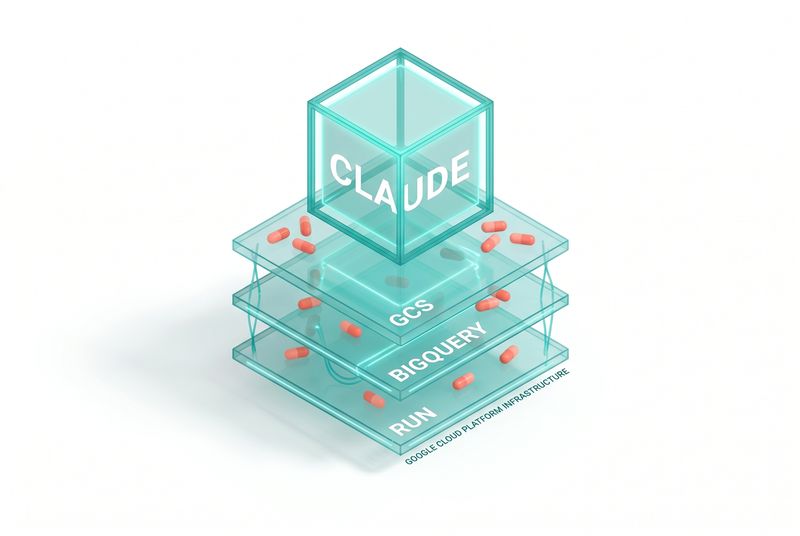
The abstract sets the stakes plainly: a live build from zero to deployed in thirty minutes, a feedback app spanning five roles and the full software lifecycle, built with Claude and Google Cloud alongside subagents, MCP servers, and custom skills, with the finished app available to test by the end of the session. That is a dense promise. A multi-role application touches authentication, authorization, persistence, business logic, integrations, deployment, and a UI, and doing it in thirty minutes live is the kind of demo that either works or fails in front of everyone. The point of the talk is not the app. The point is the assembly process, which shows what is now buildable when Claude is the engineer and Google Cloud is the platform.
Why this matters
Most enterprise development teams care about two questions when they evaluate AI tooling. First, can it actually build something real, not just a demo. Second, does it fit inside the cloud platform they are already committed to. A live build on GCP answers both questions at once. It shows the workflow, it shows the integration points, and it shows what the finished thing looks like.
For Anthropic, the partnership signal matters too. Claude is available on Google Cloud through Vertex AI, and a session like this is implicit confirmation that the integration is mature enough to ship a real app on. For developers in GCP-centric organizations, that removes a procurement friction that often stalls AI adoption.
The deeper reason this matters is that the talk shows the assembly pattern. Subagents, MCP servers, custom skills, and Claude as the orchestrator is the same architecture that works for any non-trivial app. Watching it built live, on a real platform, with real deploys, is the closest thing to a workshop you can get inside a thirty-minute slot.
What to watch for
Five things are worth watching closely.
The architecture decisions made before the live coding starts. The presenter almost certainly arrives with a CLAUDE.md, a set of skills, a roster of MCP servers, and a plan. The talk's value is in seeing what those preparation choices look like, because that is the part you can copy.
The role of subagents. Five roles in a feedback app suggests at least a few specialized subagents handling distinct slices: a data modeler, a UI builder, a backend developer, an integration handler, a deployment driver. Watch how the presenter spawns them, scopes them, and merges their work.
The GCP-specific integrations. Cloud Run for hosting, Firestore or AlloyDB for persistence, IAM for permissions, Cloud Build for deploys, Secret Manager for credentials. Watch which services get used, how Claude interacts with them via MCP, and where the friction shows up.
The recovery moments. Live builds break. The interesting moments are the ones where something fails on stage and the presenter recovers. Pay attention to how Claude handles the failure, what the human prompts back, and how fast the loop closes.
The deployed result. The abstract says the audience can test the app at the end. Look at what is actually shippable in thirty minutes. The gap between the demo polish and a production-ready system is the gap your own team will have to close.
Notable themes
Expect the talk to circle these themes.
Speed as a design choice. Thirty-minute builds are not the normal cadence of serious software, but they are the right cadence for prototypes, internal tools, and early customer demos. The talk implicitly argues that the cost of trying an idea has dropped low enough that this should be the default starting point for many teams.
The subagent architecture as a force multiplier. One Claude session is useful. A small team of specialized subagents, each with its own context and tools, is closer to a real engineering team. The talk likely makes this concrete by showing how the roles divide the work.
MCP as the cloud integration layer. Most GCP integration used to mean writing client libraries and gluing them into your app. With MCP, Claude can talk directly to cloud services through standardized servers, and the integration code shrinks dramatically. Watch how the presenter uses MCP servers for the GCP touchpoints.
Skills as encoded procedures. The repeating parts of any build, scaffolding, deployment, environment setup, can be wrapped in skills that Claude invokes automatically. The talk almost certainly demos at least one skill that compresses what would otherwise be several minutes of repetitive prompting.
The shape of the modern build loop. Plan, generate, deploy, test, iterate, all driven from a single Claude session that orchestrates the rest. The talk is a live case study of that loop in motion.
Production readiness, candidly addressed. The presenter will probably acknowledge what a thirty-minute build does not include: security review, accessibility audit, load testing, observability setup, real user testing. The honest framing of what comes next is part of what makes the demo useful instead of misleading.
How to use this chapter
If you build on GCP, treat the talk as a reference implementation. Pause at the architecture diagram, copy the MCP server choices, study the skill setup, and use it as a starting template for your own next build.
If you build on AWS or Azure, the architecture still transfers. Subagents, MCP servers, and skills are platform-agnostic. The specific GCP services have analogues in every other cloud. The pattern is the lesson, not the vendor.
If you do not build infrastructure at all, watch the talk anyway. Seeing a multi-role application assembled live is the fastest way to update your intuition about what a small team can now ship in an afternoon. That intuition is the input to every product decision you make for the rest of the year.
Pointer
Watch the talk at https://www.youtube.com/watch?v=l8fxVYIP4HQ
Chapter 13: Building the Best Agentic Analytics Harness
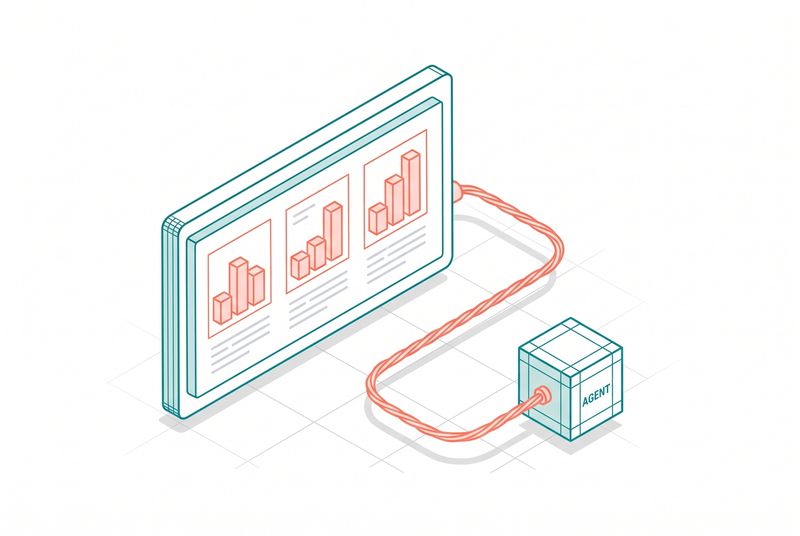
The talk presents a deep look at building an agentic analytics harness powered by Claude and built with Claude Code. Analytics work has always sat at an awkward intersection: business users want answers, data teams own the pipelines, and the gap between a Slack question and a trustworthy chart can stretch for days. The session frames an agent as the missing layer that holds context across data sources, query languages, and the messy reality of enterprise schemas. Expect a working system, not a demo loop, and expect the speakers to spend real time on what failed before what worked.
Why this matters
Analytics is one of the cleanest test beds for agentic systems. The inputs are structured, the outputs are checkable, and the cost of being wrong is visible the moment a number contradicts another number. A team that gets this right ships a harness that scales beyond the analytics use case, because the same primitives, structured retrieval, query planning, validation, and human-in-the-loop checkpoints, port directly to operations, finance, and product analytics. If your team is wiring Claude into a data stack, this chapter sketches the shape of a serious implementation rather than a notebook prototype.
The operational angle is where the talk earns its keep. A harness is not a prompt. It is a runtime that decides when to call Claude, what context to pass, how to verify the answer, and what to do when verification fails. That runtime is where Claude Code becomes interesting beyond IDE work, because the same patterns you use to ship code with an agent apply to shipping queries, dashboards, and decisions with one.
Key questions to ask
When you watch this talk or rebuild what they describe, hold these questions in mind:
- What part of the analytics workflow does the agent actually own end to end, and what stays human?
- How does the harness handle schema drift, where a column name changes and every downstream query breaks?
- What is the verification layer? Does the agent run its own queries against expected shapes before returning a result?
- Where does Claude Code sit in the build loop? Are engineers using it to write the harness, to write evals, or both?
- How is cost managed when an agent might fan out across dozens of queries to answer one question?
These questions matter because the answers separate teams that have a real system from teams that have a chatbot bolted onto a warehouse.
Notable themes to watch for
1. Harness as product, not glue code. A harness that ships analytics is its own piece of software with a roadmap, owners, and an SLO. Expect the speakers to talk about the harness as a first-class system, with versioning, tests, and a deployment story. This is the move from "we use Claude" to "we built on Claude," and it changes how you staff the team.
2. Context engineering over prompt engineering. Analytics agents live and die on the quality of context they receive. Schema metadata, business definitions of metrics, prior queries that worked, joins that are forbidden, all of this has to be staged before the model sees the question. The talk will likely walk through how they assemble that context, where it lives, and how it gets refreshed when the warehouse changes.
3. Verification loops with teeth. The fastest way to lose trust in an analytics agent is to ship a wrong number with confidence. A serious harness has a verification pass that checks row counts, sanity-checks magnitudes, and re-runs queries with deliberate variations to catch hallucinated joins. Watch for how this loop is structured and how often it catches real mistakes.
4. Built with Claude Code, end to end. The title flags this explicitly. The harness was not just powered by Claude at runtime, it was built using Claude Code during development. That matters because it means the talk doubles as a case study in agentic engineering: how a small team uses Claude Code to ship a non-trivial system, what they hand to the agent versus what they keep, and where Claude Code accelerated or stalled them.
5. Cost, latency, and the always-on problem. Analytics workloads are bursty but the underlying compute is not. An agent that runs one expensive query per question is fine. An agent that runs forty is a budget problem. Expect a section on caching, query reuse, and how the harness decides when to spend compute versus when to lean on cached results.
What to take into your own work
If you build analytics tooling, three things from this talk will likely matter inside a week:
- Treat the harness as software with tests and owners, not as a prompt template.
- Stage context aggressively, and invest in keeping it accurate as the underlying systems change.
- Build verification before you build features, because trust compounds and so does the loss of it.
If you build agents in other domains, the same logic applies. Analytics is a useful proxy for any domain where the answer is checkable and the cost of being wrong is visible. The harness pattern, runtime plus context plus verification, generalizes.
Watch the talk
Video: https://www.youtube.com/watch?v=K4-flzsPraE
Chapter 14: How Lovable Vibecodes Production Software at Scale
The talk presents Lovable's approach to shipping production software through what the industry has started calling vibecoding: building real applications primarily by describing what you want rather than writing the code yourself. Lovable sits in an interesting position because it is both a tool that millions of non-engineers use to ship software and a company that itself ships software at scale. The session is a look at how the team operates internally and how the platform handles the gap between a casual prompt and a working production app. Expect the speakers to be direct about what works at scale and what falls apart.
Why this matters
Most discussions of AI coding tools focus on the engineer's workflow. Lovable forces a different conversation, because their median user is not an engineer. That changes everything about how the underlying system must behave. Defaults matter more than configuration. Recovery from errors has to be automatic, not instructive. The agent cannot assume the user knows what a stack trace means. If your team builds tools that non-engineers will touch, this chapter is the most honest signal you will get about what the market actually rewards.
The other reason this matters is the production part of the title. Building a prototype with an agent is solved. Building something that handles real traffic, real data, real customers, and real bug reports is not solved, and Lovable runs into every edge of that problem at scale. How they handle deploys, databases, auth, and the boring middle of the stack is more instructive than any demo.
Key questions to ask
Watch this talk with the following questions ready:
- What is the smallest unit of work the platform commits to producing reliably, and where does it draw the line at what the user must own?
- How does the system handle the inevitable moment when the generated code does not match what the user described?
- What is the relationship between the user's intent, the platform's interpretation, and the underlying agent? Where do they intervene to keep all three aligned?
- How do they handle long-running projects, where the user comes back two weeks later and the codebase has drifted from their mental model?
- What does the production stack look like? Where does Claude Code sit in their internal build pipeline, and where does it sit in the user-facing product?
If you ever plan to put an agent in front of users who are not professional developers, the answers to these questions are the difference between a tool and a toy.
Notable themes to watch for
1. Defaults as the real product. Lovable wins or loses on what happens when the user does not specify something. Database choice, hosting, auth provider, UI library, deployment target. Each of these is a default that affects how reliable the generated software ends up. Expect the team to talk about how they choose defaults, how often they change them, and what user behavior taught them about what defaults actually matter.
2. The blast radius problem. When a vibecoder hits a bug, they often ask the agent to fix it, and the agent might rewrite something unrelated. At scale, this turns into broken apps and angry users. Watch for how Lovable scopes agent edits, how they handle rollback, and what guardrails sit between the prompt and the file system.
3. The handoff to humans. Some projects on Lovable will outgrow the platform. The user will hire a developer, or learn enough code themselves, and the question becomes whether the generated codebase is something a human can take over. This is a quiet but important quality metric, and a serious vibecoding platform has to optimize for it whether or not users currently ask.
4. Internal use of Claude Code. Lovable's own engineers ship the platform itself, and they likely lean heavily on Claude Code to do it. Expect a section on how the team works internally, what their development loop looks like, and what they have learned from being both a heavy Claude Code user and a builder of an agent-driven product. The two perspectives reinforce each other.
5. Trust, escalation, and the support load. When a non-engineer hits a problem they cannot describe well, support becomes a heavy cost. The talk likely covers how the system tries to self-diagnose, how it escalates to a human or to a more capable model, and how they measure whether the user got unstuck.
What to take into your own work
Three concrete takeaways if you build agent-driven products:
- Defaults are a load-bearing part of the user experience. Spend more time on them than you think you need to.
- Scope agent edits aggressively. A small, predictable agent that touches three files is more valuable than a brilliant agent that occasionally rewrites the whole repo.
- Treat the handoff to humans as a feature, not an afterthought. Generated code that another human can read and extend is the actual product.
Lovable's position in the market is also a useful reminder that the audience for AI-assisted software is much wider than the engineering team. Building for that audience requires a different set of muscles than building for engineers, and those muscles will become the more valuable ones to develop over the next few years.
Watch the talk
Video: https://www.youtube.com/watch?v=mhW-XXnDFSU
Chapter 15: What Legal Agents Inherit from Coding Agents, Lessons from Legora
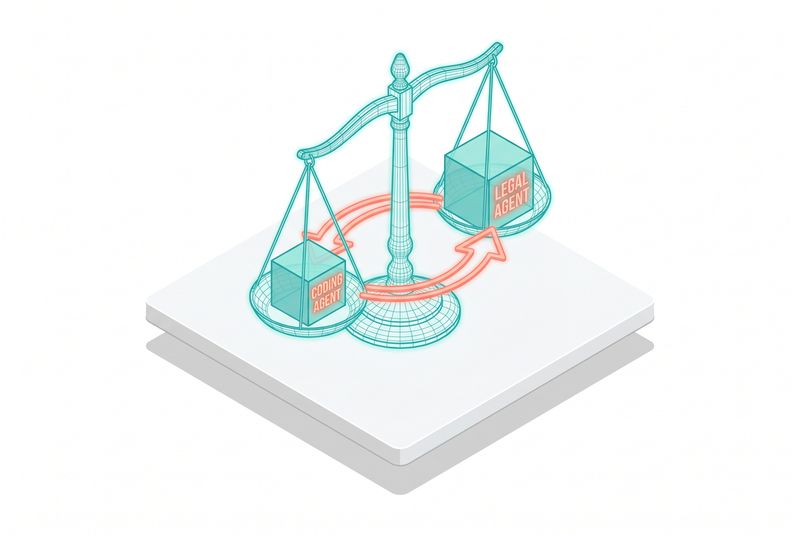
The talk presents Legora's experience building legal agents and the unexpected inheritance pattern from coding agents. Legal work and coding look different on the surface, but both share a structure: precise inputs, long documents, deterministic verification steps, and a strong penalty for being wrong. Legora's team has been building production legal agents long enough to see what transfers from coding agent design and what requires a domain-specific rebuild. Expect a practical session, not a comparison essay, and expect the speakers to call out specific patterns they borrowed wholesale and specific patterns that broke when applied to legal work.
Why this matters
The agentic engineering playbook was forged in coding because coding offered a clean feedback loop: tests pass or fail, types check or do not, code runs or crashes. Legal work has a softer feedback loop. A contract clause is correct or incorrect only relative to a body of law, a client's intent, and a counterparty's position. That makes legal a much harder domain, and that is precisely why the lessons are useful. If you can build a reliable agent in legal, the same techniques port to compliance, policy, healthcare documentation, and a dozen other domains where the answer is correct but not test-runnable.
For practitioners, this chapter is about how to translate the patterns you already know. If you have built coding agents with Claude Code, you have an intuition for context windows, tool use, verification, and human escalation. Legora's work is a case study in which of those intuitions survive contact with a domain where the truth is contextual rather than mechanical.
Key questions to ask
When listening to or reading about this talk, keep these on hand:
- Which coding agent patterns transferred without modification, and which required a rewrite?
- How does the agent represent legal precedent, statute, and contract history in its context, and how is that representation kept current?
- What does the verification layer look like when there is no compiler to run? Is it a second model, a rules engine, a human reviewer, or some combination?
- How does the team handle the long tail of edge cases that define legal work, where the unusual situation is the one that matters most?
- Where in the workflow do clients and lawyers retain control, and where do they hand off to the agent?
The answers here will be useful for anyone building agents in domains where ground truth lives in documents and human judgment rather than in test output.
Notable themes to watch for
1. Tool use as the dominant pattern. Coding agents taught the industry that tools, file system access, terminal commands, web fetches, are the right abstraction for agent capability. Legal agents inherit this directly. Reading documents, searching precedent, querying contract repositories, calling out to research databases, these are all tool calls, and the same engineering work applies. Expect Legora to talk about their tool catalog and what they learned about scoping tools narrowly.
2. Context as the bottleneck. Long legal documents stress any context window, and the relevant context for a single question often spans dozens of related agreements, regulatory filings, and prior decisions. Watch for how Legora structures context retrieval, how they decide what to include, and how they handle the moment when the right context simply does not fit.
3. Verification without a compiler. This is the place where legal agents must invent something coding agents did not need. There is no test suite that says a clause is correct. Legora has likely built verification through multiple model passes, rule checks, citation validation, and structured review queues. Expect a thoughtful section on how they measure agent quality without a deterministic check.
4. Human in the loop, by design. Legal work cannot be fully automated, and the talk will likely be honest about that. The interesting question is where the human sits. Are they reviewing every output? Sampling? Reviewing only flagged cases? The answer reveals how much trust the team has earned and how they earned it.
5. The Claude Code echo. Legora is a software company before it is a legal company, and the team builds the product with the same agentic tooling they ship to customers. Expect the speakers to note where Claude Code shows up in their own development workflow, and how that internal use shapes what they ship.
What to take into your own work
Three takeaways that apply whether you work in legal or any other documentation-heavy domain:
- The coding agent playbook is a starting point, not a ceiling. Borrow patterns aggressively, then plan for the parts that will need a domain rebuild.
- Verification design is the hardest engineering problem in any non-coding agent product. Start there, not at feature breadth.
- Treat human review as a system, with queues, SLAs, and feedback loops, rather than an afterthought.
Legora's work is also a useful signal about where the agentic market is heading. The first wave of value came from coding, where the feedback loop is fast. The next wave is showing up in domains like legal, healthcare, and compliance, where the feedback loop is slower but the dollar value per correct decision is much higher. Teams that understand how to translate the coding agent playbook into these domains will have a real edge.
Watch the talk
Video: https://www.youtube.com/watch?v=nho1YAEPuwA
Chapter 16: Building AI-Native at Enterprise Scale, monday.com, Doctolib, and Delivery Hero
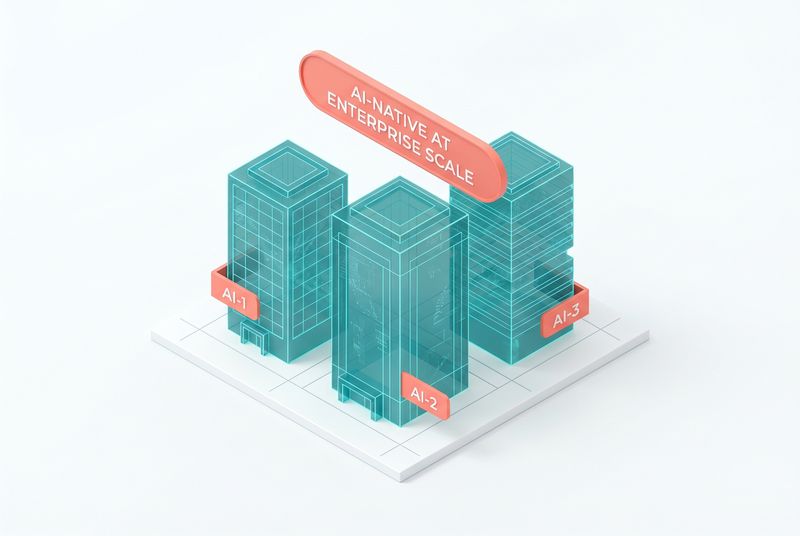
The panel brings together engineering leaders from monday.com, Doctolib, and Delivery Hero to talk about what it takes to go AI-native at enterprise scale. These three companies sit in very different domains, work management, healthcare booking, and food delivery, but they share the same problem: thousands of engineers, complex codebases, customer trust on the line, and a board asking what AI is actually doing for the business. The session is a practitioner conversation about org design, rollout patterns, and what surprised each of them when they moved from pilot to production. Expect specifics about deployment patterns and honest commentary about what did not work.
Why this matters
Most AI-native stories you read are about small teams or new products. The harder problem is retrofitting an existing engineering org with hundreds or thousands of engineers, legacy systems, regulatory pressure, and an internal politics layer. This panel sits exactly at that intersection. If you work inside a large company and you are trying to make AI tooling a default rather than a curiosity, the playbooks these three leaders have stress-tested are the closest thing the industry has to ground truth.
The three companies represented also map onto three distinct shapes of risk. monday.com lives in B2B SaaS where reliability and integrations matter most. Doctolib operates in healthcare where regulatory and patient-trust constraints are severe. Delivery Hero runs a logistics platform where latency and operations are the dominant pressure. Together they cover most of the constraint shapes a large enterprise will face when adopting agentic tooling.
Key questions to ask
If you are watching this panel or applying its lessons inside your own org, keep these questions in front of you:
- How did each company structure the rollout? Top-down mandate, bottom-up adoption, or a center of excellence model?
- What does the buy-versus-build decision look like at this scale? Which parts of the stack do they own, which do they rent?
- How do they measure whether the investment is paying off? Lines of code shipped is not a serious metric. What replaced it?
- What changed in the engineering ladder, performance review, and hiring loop once agents became part of the daily workflow?
- Where does Claude Code sit in their developer environment, and how is it governed across thousands of engineers?
These are the questions that will come up in your own steering committee meetings, and hearing how three different companies answered them is more useful than any single case study.
Notable themes to watch for
1. Rollout patterns and the adoption curve. Each company likely chose a different rollout. Watch for whether they started with a small elite team, ran a company-wide pilot, or seeded enthusiasts and let it spread. The pattern that worked is often a function of company culture more than tooling, and the panel will surface that.
2. Governance without strangulation. At enterprise scale, you need governance: who can use which models, what data can be sent where, how outputs are logged, who is accountable for an agent-caused incident. The trap is governance that strangles adoption. Expect each leader to talk about how they balanced safety and velocity, and where they think they got the balance wrong.
3. Measuring real impact. Engineering productivity metrics are notoriously soft, and AI tooling makes them softer. Watch for how each company defines impact. Cycle time, defect rate, time to first review, developer-reported flow, and downstream business metrics all come up. The honest answer is usually that they are still figuring it out, and the panel is most useful when leaders admit that.
4. The talent question. Senior engineers using agents look very different from junior engineers using agents. The panel will likely touch on how their hiring loop changed, how performance review changed, and how mentorship works when much of the keyboard work is delegated. This is one of the more uncomfortable conversations in enterprise AI, and the panel format gives leaders room to be honest about it.
5. Vendor strategy and lock-in. Each company has to decide how deeply to bet on a specific model provider and a specific agent runtime. Claude Code adoption at this scale implies a real bet on Anthropic, and the panel will likely cover how they think about diversification, abstraction layers, and the cost of switching if a competitor pulls ahead.
What to take into your own work
Three takeaways for anyone leading AI adoption in a large engineering org:
- Choose a rollout pattern that matches your culture rather than copying someone else's. The pattern that worked at monday.com may fail at Doctolib and vice versa.
- Invest in measurement early, even if the metrics are imperfect. The companies that can show real impact get to keep investing.
- Treat governance as an enabling function, not a blocking one. Lightweight rules that let engineers move fast beat heavy rules that engineers route around.
The panel format also has a hidden benefit: you get to see where these three leaders disagree. Pay attention to the disagreements. They reveal where the field has not yet converged, and those are the places where your own team has the most room to make distinctive choices.
Watch the talk
Video: https://www.youtube.com/watch?v=XFaeIbL-lvE
Chapter 17: Coding Is No Longer the Constraint, Scaling DevEx to Teams and Agents at Spotify
The talk presents Spotify's view that coding itself has stopped being the bottleneck in software delivery, and what that means for how a large engineering org should design its developer experience. Spotify has long been a public reference for engineering culture, with concepts like squads, tribes, and Backstage influencing how thousands of companies organize their teams. The session updates that thinking for a world where agents do significant amounts of the keyboard work and the constraint has shifted upstream. Expect a clear thesis, concrete examples from inside Spotify, and a frank look at what their developer platform team is rebuilding.
Why this matters
If coding is no longer the constraint, then optimizing for code production is optimizing for the wrong thing. The new constraints are upstream: clarity of intent, quality of the underlying system, observability, review capacity, and the ability to coordinate across many teams shipping at once. This reframing matters because most engineering investment, from IDEs to CI to PR review tools, was built assuming the human typing code was the limiting factor. When that assumption changes, the whole tooling stack needs to be rethought.
Spotify is a useful messenger because their scale forces these questions to be answered. With thousands of engineers and a platform that ships continuously, any small inefficiency multiplies. The talk is a chance to see what a serious developer platform team does when they accept that the constraint has moved.
Key questions to ask
Bring these questions into the talk and into your own planning:
- If coding speed is no longer the limit, what is? Spotify's answer will not match every company's answer, but the framing transfers.
- How does the platform team scope its work when agents are part of the workforce? Are they building tools for humans, for agents, or for both?
- What does PR review look like when a large share of code is generated? How do they keep review meaningful without slowing delivery?
- How does Backstage or its successor evolve when agents are first-class users of the developer platform?
- What metrics does Spotify use to evaluate developer experience now? DORA metrics matter, but so does whether engineers feel like they are doing work they value.
Each of these questions has implications well beyond Spotify, because the platform investments large companies make tend to shape what becomes available to the rest of the industry a few years later.
Notable themes to watch for
1. The constraint has moved upstream. The core thesis. Expect the speakers to spend real time on what the new constraint actually is at Spotify, with specific examples. The likely candidates are intent specification, system observability, coordination across teams, and the cognitive load of reviewing what agents produce. The talk earns its keep on how concretely they describe this shift.
2. Developer platform as agent platform. Spotify built Backstage to give engineers a coherent platform. The same logic applies to agents: agents need a coherent platform, with auth, discovery, governance, and observability. Watch for how the platform team thinks about agents as users of internal infrastructure, not just as tools that humans wield.
3. Review at scale. When agents generate code, the bottleneck shifts to review. Spotify likely has strong opinions about how to keep review high-signal without becoming a chokepoint. Look for specific patterns: machine-assisted review, scoped reviews, escalation rules, and how they handle the long tail of PRs that need human judgment.
4. The team unit, reconsidered. Spotify's squad model assumed a small group of humans working closely. With agents in the mix, that unit is changing. The talk will likely touch on whether the squad is still the right primitive, how agent capacity is allocated across squads, and what the next-generation team structure looks like.
5. Claude Code in the daily loop. Spotify is a heavy user of agentic tooling, and the speakers will likely describe how Claude Code or similar systems show up in the daily flow of an engineer at Spotify. The interesting part is the integration, not the tool itself. How does it connect to Backstage, to internal services, to the deployment pipeline, and to the on-call rotation?
What to take into your own work
Three takeaways from this talk that translate to most engineering orgs:
- Audit where your real constraint is. If you find your tooling investment is still aimed at making coding faster, you may be optimizing for last decade's bottleneck.
- Build your internal developer platform with agents as first-class users. They need auth, discovery, and guardrails, just like human engineers.
- Treat code review as a primary engineering investment area, not a secondary one. The volume is going up, the value per review is going up, and the bottleneck is now there.
The broader signal in this talk is that the engineering job is changing shape, not disappearing. The keyboard work is moving to agents. The judgment work, intent design, system thinking, review, coordination, is becoming the bulk of what senior engineers do. Spotify's framing helps make that change explicit, and gives a vocabulary that other companies can borrow as they figure out their own version.
Watch the talk
Video: https://www.youtube.com/watch?v=zFslvuvYifQ
Chapter 18: Knowing Your Config (cccfg)
The Claude Code binary ships with 434 environment variables compiled into it. The official /config UI shows the dozen most common. The rest you only find by reading source you do not have, or by accident when something stops working. This chapter is about closing that gap with a small companion tool called cccfg.
Three takeaways
- Claude Code's runtime behaviour is governed by roughly five hundred config surfaces: 434 environment variables, 30+ settings.json keys, 14 high-leverage CLI flags, 11 slash commands, and 10 hook events. Almost none of them are visible from
/config. - The undocumented env vars are real and they work. They were extracted from the Claude Code binary itself, then categorised and given descriptions and use cases. The auto-discovered ones carry a flag so you know which were officially documented and which were not.
cccfgis a small TUI that puts all of them in one keyboard-driven view. It is installable from PyPI withpip install cccfgand ships with this book.
Why the official `/config` is not enough
/config in Claude Code is intentionally minimal. It shows the settings most users need most of the time, with a friendly editing surface for each. That works well for everyday use. The cost is that almost every interesting performance question, every privacy concern, every enterprise lockdown question, every multi-account auth setup, lives outside of /config.
A small selection of things /config does not surface:
CLAUDE_CODE_API_KEY_HELPER_TTL_MS(how long to cache results from your apiKeyHelper script)CLAUDE_CODE_DISABLE_NONESSENTIAL_TRAFFIC(full air-gap mode for outbound calls)MAX_MCP_OUTPUT_TOKENS(the cap on what an MCP tool can return)BASH_MAX_OUTPUT_LENGTH(how much Bash output Claude actually reads)CLAUDE_CODE_DISABLE_LEGACY_MODEL_REMAP(pin model versions for reproducibility)ANTHROPIC_CUSTOM_MODEL_OPTION(register your own model in the picker)strictPluginOnlyCustomization(managed enterprise lockdown)- Every
DISABLE_*toggle that hides specific commands or behaviour
Most of these have no documentation page on docs.claude.com. Some are referenced in code-claude.com guides if you know to look. Some only become visible when something they govern breaks.
How cccfg was built
The Claude Code binary on macOS is a native arm64 Mach-O executable. Running strings over it yields a noisy but tractable list of ASCII strings. Filtering for canonical patterns produces clean lists:
- 243
CLAUDE_CODE_*env vars - 66 other
CLAUDE_*env vars - 46
ANTHROPIC_*env vars - 23
DISABLE_*toggles - Plus
BASH_,MCP_,MAX_*env vars - Slash command names beginning with
/ - Hook event names like
PreToolUse,SessionStart,Stop
For each entry, the tool stores:
- Identifier (env var name, settings.json key, CLI flag, etc.)
- Kind (env, settings, cli, slash, event)
- Category (Auth, Models, Hooks, MCP, Telemetry, etc.)
- Whether it is officially documented
- A summary
- A description
- A use case ("when to reach for this")
- An example value
- The documented default
Hand-written entries cover the hundred or so most operationally important configs. The remainder is auto-categorised by naming pattern with a short summary derived from the name. They carry a "Discovered" tag so the reader knows the distinction.
The TUI
cccfg opens a two-column terminal interface: categories on the left, the filtered entry list on the right.
jandknavigate the list./focuses the search input. Searches across name, summary, description, use case, and category.cjumps to the category list. Selecting a category filters the entry list.Enter(orm) opens the manual page for the selected entry. The manual is a full-screen modal that leads with the current value on this machine (read live from your env or~/.claude/settings.json), followed by summary, description, use case, example, default, and an exact snippet to set the value.Escreturns from the manual to the list.?opens the cookbook.qquits.
Two interactions are worth flagging because they make the tool more than a reference:
Live current-value lookup. Every entry shows what the value currently is on the machine running cccfg. For env vars this comes from os.environ. For settings.json keys it reads ~/.claude/settings.json directly. You can see at a glance whether a config is set, what it is set to, and how it differs from the default.
In-place editing. For settings.json keys, the manual page accepts an e keystroke. That opens an edit modal pre-filled with the current value. You type a new value (JSON syntax is accepted; plain strings work too), press Ctrl+S, and the tool writes to ~/.claude/settings.json with a backup created beforehand. The write is atomic (tempfile plus rename). d deletes the key entirely. For env vars and CLI flags the edit key shows a helpful hint instead, because the right place to set those is the shell or --bare or the env block in settings.json, not direct file rewriting.
CLI modes for scripts
The TUI is the headline use case. For automation and discovery, cccfg also has headless modes:
`` cccfg --list # full catalog, grouped by category cccfg --search hooks # search across all entries cccfg --category Models # filter by category cccfg --kind settings # only settings.json keys cccfg --kind env # only env vars cccfg --json | jq # pipe-friendly JSON dump cccfg --cookbook # the same cookbook the TUI shows ``
This is useful for a few recurring tasks:
- Pre-flight checks in CI ("what env vars does my build expose that might affect Claude?")
- Documentation generation for an internal Claude Code rollout
- Diffing config between machines (cccfg --json | hash; compare)
- Audit logs ("which settings.json keys did we override on this developer's machine?")
Five recipes worth memorising
The cookbook in the TUI has all of these and more. The ones I reach for most often:
Lock down a team's install. In your managed settings file, set allowManagedHooksOnly, allowManagedMcpServersOnly, allowManagedPermissionRulesOnly, disableBypassPermissionsMode, and strictPluginOnlyCustomization: ["skills", "hooks"]. The first three lock user-level customisations to org-approved ones. The fourth blocks --dangerously-skip-permissions even when the user passes it. The fifth says skills and hooks may only come from managed sources.
Maximum privacy mode. DISABLE_TELEMETRY=1, DISABLE_ERROR_REPORTING=1, DISABLE_GROWTHBOOK=1, CLAUDE_CODE_DISABLE_FEEDBACK_SURVEY=1, CLAUDE_CODE_DISABLE_NONESSENTIAL_TRAFFIC=1. The last one is the strict one: it blocks all non-essential outbound traffic, useful in regulated or air-gapped contexts.
Vault-backed auth. Set apiKeyHelper to a script that prints the key on stdout (1Password CLI, Vault, AWS Secrets Manager, anything). Tune CLAUDE_CODE_API_KEY_HELPER_TTL_MS for how long the result gets cached. Result: no keys in dotfiles, no keys in environment dumps, no keys in process listings.
CI-clean run. claude --bare skips hooks, LSP, plugin sync, attribution, auto-memory, background prefetches, keychain reads, and CLAUDE.md auto-discovery. Auth becomes strictly ANTHROPIC_API_KEY or apiKeyHelper. Use this when you want a deterministic run with no harness baggage.
Bigger Bash outputs. BASH_DEFAULT_TIMEOUT_MS=300000, BASH_MAX_TIMEOUT_MS=900000, BASH_MAX_OUTPUT_LENGTH=500000. Default Bash timeout is two minutes and max output is conservative. Raise these for builds, migrations, and any long-running operation where you want Claude to actually see the full output.
Where cccfg sits in your workflow
Two places, roughly.
When you are setting up a new machine or a new project: open cccfg, walk through the categories that apply (Auth, Models, Permissions, Hooks, MCP, Privacy if relevant), set the four or five values you care about, save, done. The "manual page on Enter" pattern lets you read about each setting before deciding.
When something stops working or behaves oddly: open cccfg, search for the rough area (cccfg --search timeout, cccfg --search disable, cccfg --search compact), find the relevant settings, check current values against defaults, and either edit them in place or copy the snippet into your settings.json.
The tool is two files plus a data file. The whole catalog is data-driven, so the tool stays small even as the catalog grows.
Install
`` pip install cccfg cccfg ``
The source ships under MIT at https://pypi.org/project/cccfg/.
How this chapter relates to the rest of the book
Parts 1-4 of this book are about what to do with Claude Code. This chapter is about knowing your tool. The harness lessons in Part 1, the model selection in Part 2, the agent-building in Part 3, the production case in Part 4 — every one of them depends on knowing which knob to turn when. cccfg is the catalogue of knobs.
Companion tool to this book. Source: https://github.com/Kotrotsos/cccfg.
Chapter 99: Closing: A 30-Day Adoption Plan
The whole book in operational form. Run this with a small team and report back in four weeks.
Week 1: Foundations
- Read Part 1 and Part 2 (chapters 1-4). Forty pages, less than an hour.
- Pick which model layer covers most of your team's work right now. Opus for the long-horizon work, Sonnet for production traffic, Haiku for cheap one-shots and routing. Document the call so nobody re-litigates it weekly.
- Audit your root CLAUDE.md. Aim for under 80 lines. Move task-specific patterns out into individual skill files.
- Install the workspace MCP server your team already uses. Notion if that is the writing tool. Linear if that is the lifecycle tool. Both if both.
Week 2: Operational
- Read chapters 5 and 6 (memory and Managed Agents). Decide whether Managed Agents is the right primitive for the next agent your team builds, or whether to keep rolling your own.
- Build the reflection hook. Five to ten lines of shell. Run at session end. Output to a log the named DRI reviews each Friday.
- Pick one feature for a spec-workflow pilot. Author the spec in the workspace. Pull to .spec-cache at session start. Sync back at session end. Freeze at PR open.
Week 3: Distribution
- Read chapter 7 (trading signals worked case) and one of the case-study chapters from Part 5 that maps closest to your domain. Lovable if you are shipping product. Spotify if you are migrating code at scale. Legora if you are in regulated work.
- Package the team's setup as a plugin. CLAUDE.md root, the reflection hook, the spec skill, the MCP configuration. Make installation one command.
- Set up a curated internal plugin marketplace if you do not have one. Even a private git repo with a README works.
- Wire up LSP for your primary language. Especially if you are on C, C++, Java, C#, Go, or Rust.
Week 4: Scale
- Read whichever Part 5 chapters you skipped. Take the enterprise panel chapter (16) seriously if your organisation is over 500 engineers.
- Roll the plugin out to the rest of the team. Name the DRI if you have not. Empower them to evolve the harness on behalf of the team.
- Schedule the first quarterly harness audit. Put it on the calendar.
- Run a retro on the four weeks. Cycle time, spec-to-code drift, review burden, onboarding time. Four metrics. Honest numbers.
What to measure
| Metric | Direction | Window | |--------|-----------|--------| | Cycle time per feature | Down | 4-8 weeks | | Spec-to-code drift | Near zero | First PR | | Review burden | Flat or down | 4 weeks | | Onboarding time | Down sharply | New hire |
If cycle time does not drop after four weeks, the harness is fighting the team. The most common cause: a bloated root CLAUDE.md and skill content that contradicts itself. Audit before you assume the model.
The one sentence
Workspace is authored. Files are generated. The harness matters as much as the model. The model is one layer of seven.
Three statements, three pieces of architecture. The rest of the book is the operational detail.
Where to keep learning
The transcripts of all seventeen Code with Claude London 2026 talks are linked at the end of each chapter. The companion courseware site is structured for self-paced study. The A4 handouts cover the most quotable single-page concepts in print-ready form.
If you have feedback on the book or want to share what worked when you ran the 30-day plan, the Autocomplete Substack at acdigest.substack.com is the right place. Marco reads everything.